
 BanditAI
Prepare and File Multiple
941s in One Spreadsheet-Style View
No more switching screens for every return. Enter once, apply across employers,
and get every 941 ready to file, faster.
Filing Dozens or Hundreds of Form 941s? Bulk Entry Handles Them Together
If any of this sounds familiar, the feature is built for exactly this.

Multiple zero returns
Mark zero reporting once across all employers instead of opening each return just to mark
it empty.

Same deposit schedule across employers
Set it once and apply it to every return in the batch instead of re-selecting it each time.

Multiple EINs under one roof
Handle every location, subsidiary, or business unit in the same view instead of starting a new return for each.

A repeated error across returns
Fix it once and apply the correction across every return it affects.

A full quarterly batch on a deadline
Prepare, audit, and transmit everything together instead of working through returns one
by one.
80
%
Firms using Bulk Entry cut preparation time by up to 80% compared to filing returns one at a time.

"Half our returns were zero filings every quarter. We used to open each one just to mark it zero. Now we select them all and it's done in minutes."
— Payroll Operations Lead
How Bulk 941 Entry Works
Prepare, audit, and transmit everything together
instead of working through returns one by one.
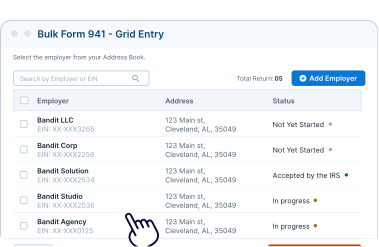
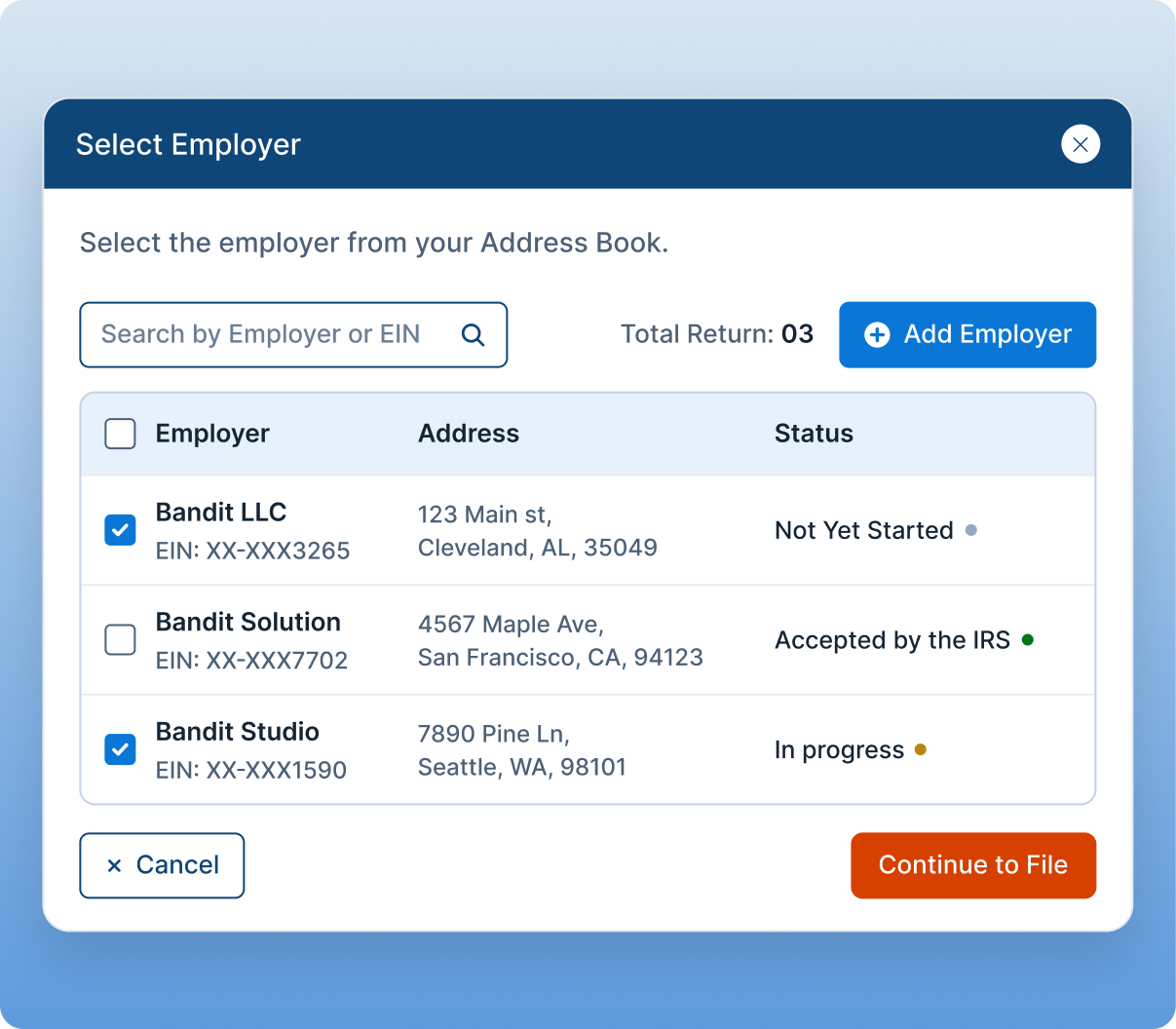
Select Your Employers
Choose the quarter and bring in existing employers or add
new ones.
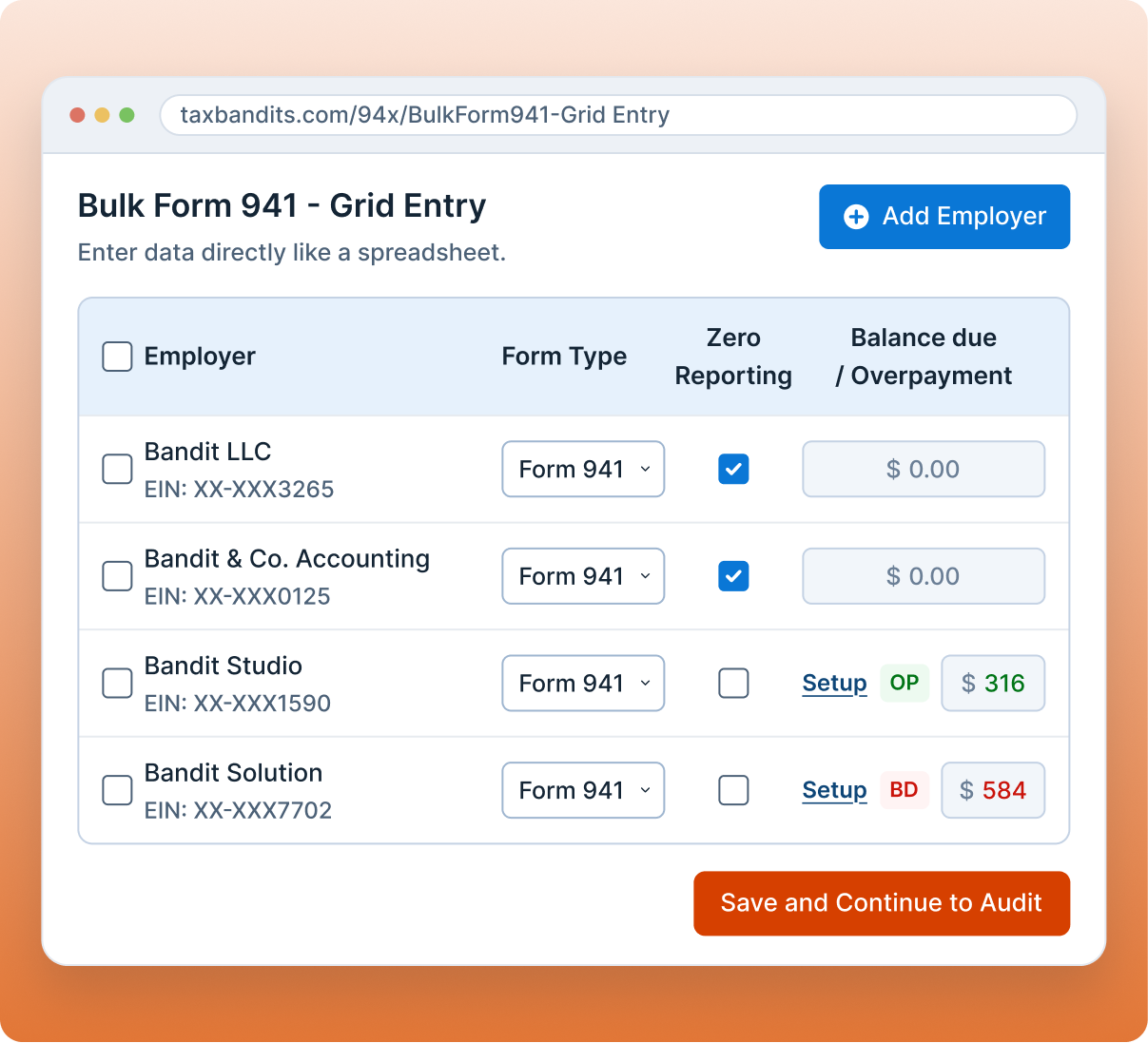
Enter Details in One View
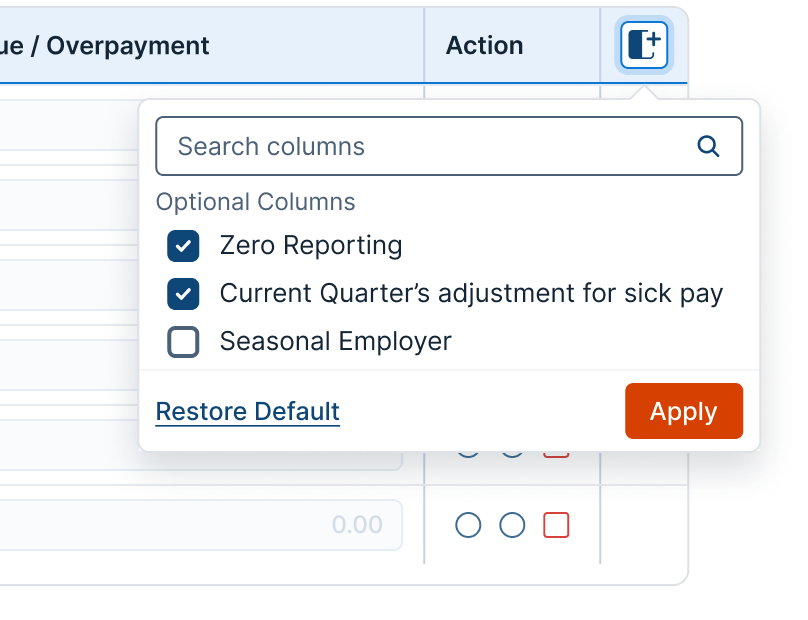
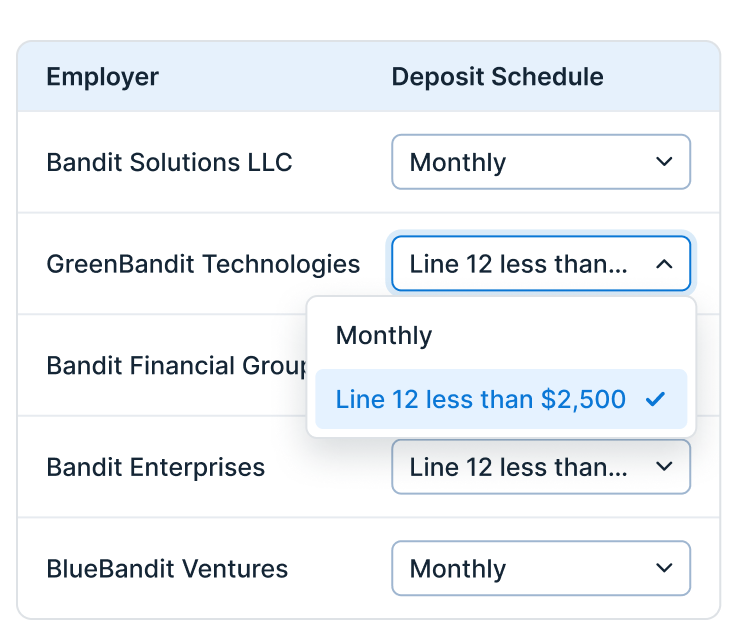
Fill in the details, then apply the same form type, deposit schedule, or payment option across employers at once.
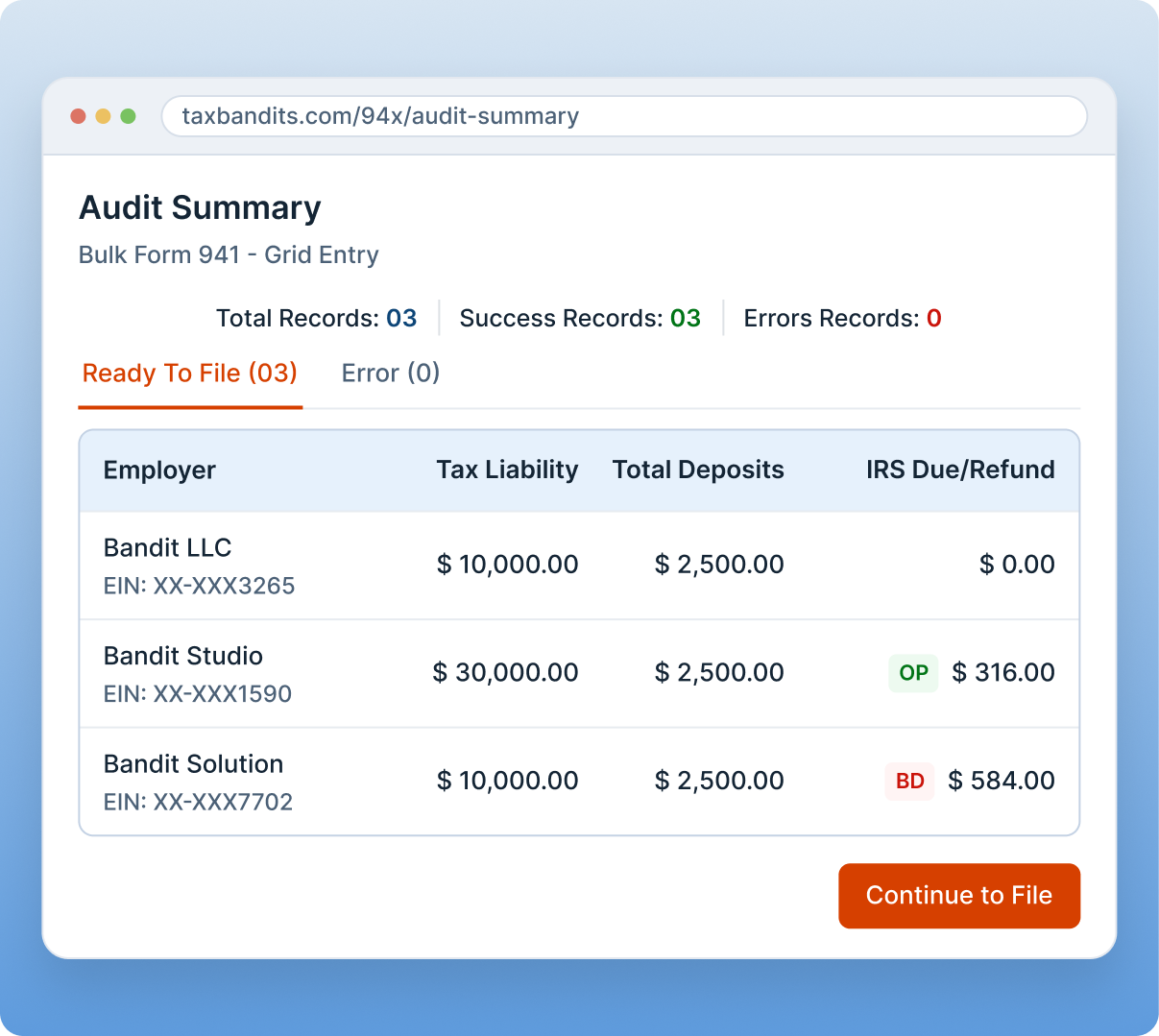
Review and Transmit Together
Audit the batch, fix anything flagged, and transmit every return to the IRS at once.

More Ways to File 941 in Bulk
Prefer not to enter data directly? Choose the method that fits how you already work.

CSV Upload
Download our pre-formatted Form 941 template, fill it in with your payroll data, and upload it to file multiple returns at once. Built for firms that want a ready-made structure.
Learn More
Smart Upload
Already have payroll data in your own file? Upload it as-is. Smart Upload automatically maps your columns to the right Form 941 fields, no restructuring required.
Learn More
API
Filing from your own payroll or accounting software? Connect directly and submit Form 941 data programmatically, without leaving
your system.
FAQs
Frequently Asked Questions
A spreadsheet-style view for preparing Form 941 for multiple employers at once. Select a quarter, bring in your employers, and enter details for all of them in the same screen, applying form type, deposit schedule, and payment option across employers as needed.
Yes. Mark zero reporting once and apply it across every employer in the batch, or select it individually for specific returns. Wage and tax fields fill in automatically.
CSV Upload and Smart Upload both involve uploading a file. Bulk 941 Entry skips the file step entirely, you type directly into the grid and your entries save as you go. If you need to include Schedule B or Form 8974, use CSV Upload or Smart Upload instead, since those forms aren't supported in the grid.
Every return in the batch is checked against IRS rules before transmission. Returns are split into ones ready to file and ones with errors, so you can fix flagged returns in the grid and re-run the check.
No, those forms aren't supported in the grid. Use CSV Upload or Smart Upload to include them with
your filing.
Schedule a Demo to See How Bulk 941 Entry
Fits Your Needs
A short walkthrough showing how to prepare multiple Form 941 returns using a table view, bulk actions, and bulk transmission in one connected filing workflow.
1M+
Businesses filed
10min
Average time to file
24/7
US-based expert support
100%
Accurate filing
4.9
Talk to a TaxBandits Expert
Our team will reach out to find your best-fit solution.

