
 BanditAI
E-File Form 1099-S Online to Report
Real Estate Proceeds
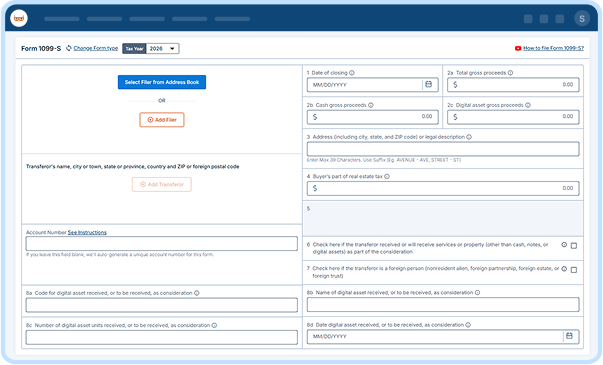
Import your data, review it with built-in checks, and E-file 1099-S forms to the IRS, then deliver recipient copies in one submission.
From $0.80/form at volume. Free corrections and retransmissions.
Rated 4.9 by 52,784 filers.
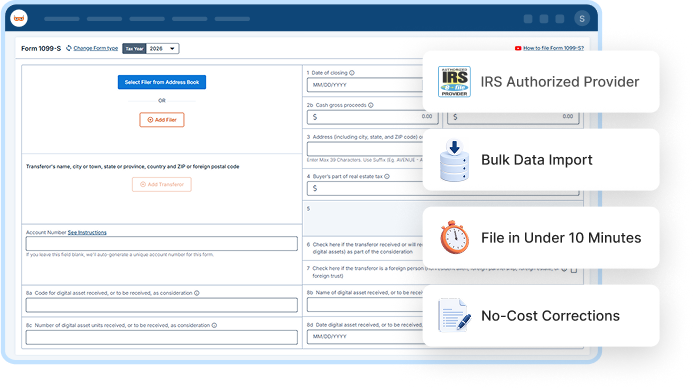

IRS Authorized Provider

File in Under 10 Minutes

No-Cost Corrections

Money-Back Guarantee
4.9/5
52,784 verified reviews
1M+
Businesses served
$0
Zero hidden fees
24/7
Live customer support
100%
Accuracy guarantee
Form 1099-S: What You Need to Know
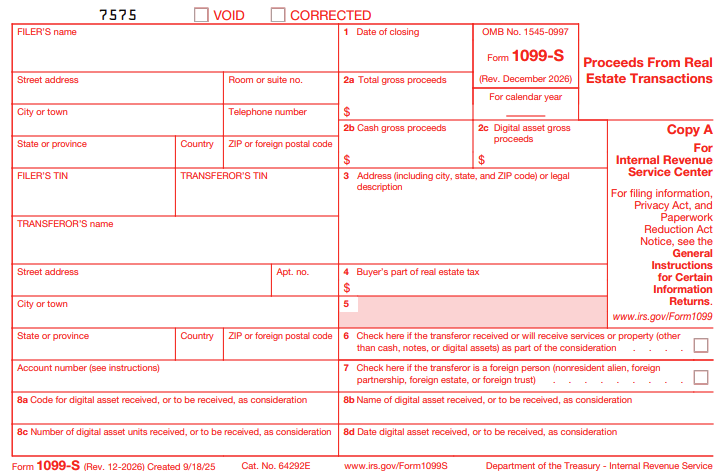
Form 1099-S is used by real estate professionals, brokers, and other persons responsible for closing real estate transactions to report proceeds from the sale or exchange of real estate to the IRS and sellers. It generally reports the gross proceeds from the transaction.
The responsible filer must submit Form 1099-S to the IRS and furnish the
required copies to
the seller.
One Platform, Built for However You File Form 1099-S
Whether you're filing one form or thousands, TaxBandits supports the way you already work.

For Real Estate Agents / Closing Attorneys
Filing It Yourself
Filing your first 1099-S? We make
it easy.
- Built-In W-9 Collection
- Real-Time TIN Matching
- AI Assistant
- Live Customer Support

For Tax Professionals
Filing for Clients
Handle every client's filing in a
single dashboard.
- Multi-Client Dashboard
- Role-Based Team Access
- Bulk Filing
- Branded Client Portal

For Title Companies / Enterprises
Filing at Scale
Bring data from your own systems and file in bulk.
- Custom Data Ingestion
- Complex Compliance Support
- API Access
- Dedicated Support
Ready to streamline your 1099-S filing?
Everything You Need for Filing 1099-S Forms
Manage every stage of filing 1099-S online, from data collection to delivering
recipient copies, in one place.

Bulk Upload
Use our CSV template to import your 1099-S data or upload your own file as is.
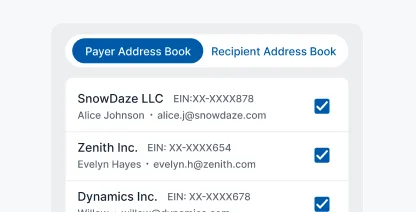

Seamless W-9 Collection
Collect recipient tax information securely before preparing your 1099-S forms.
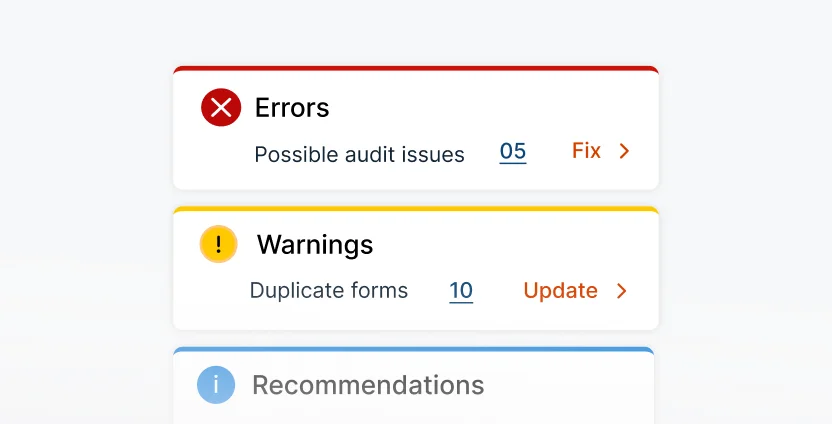
Smart Audit & Review
Identify missing information and potential filing issues before submitting your forms.
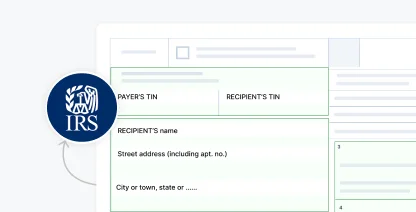
IRS Business Validation
Check business information against current IRS requirements before filing.
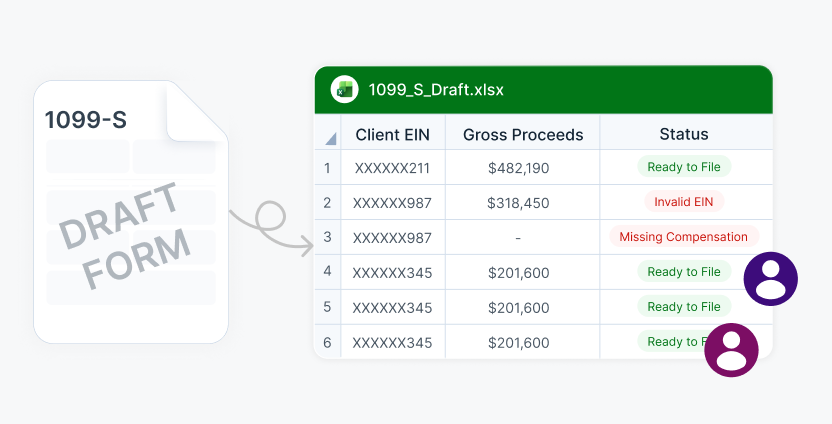
Share Forms for Review
Share draft forms with your team for review before submission.
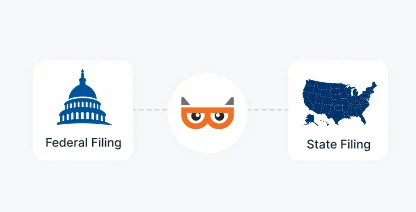
Federal Filing
Submit your 1099-S forms electronically to the IRS
from one filing workflow.
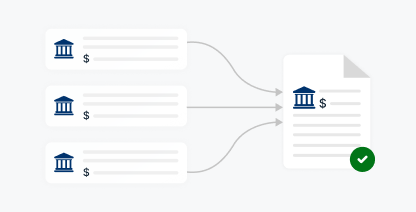
Form Aggregation
Combine multiple payments to the same recipient into one 1099-S form.
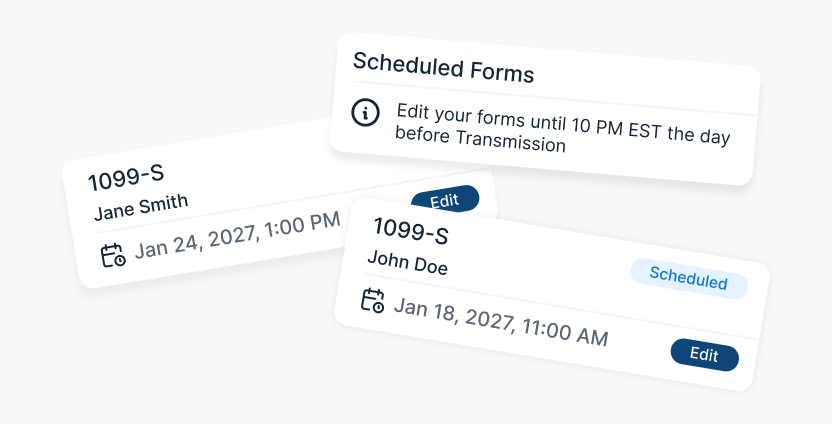
Schedule Filing
Prepare your forms ahead of time and choose
when to transmit them.
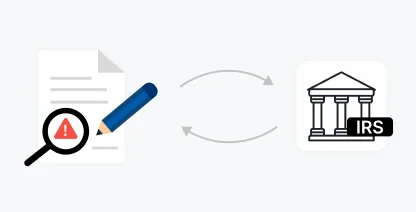
Free Retransmission
Correct rejected returns and retransmit them
without additional filing fees.
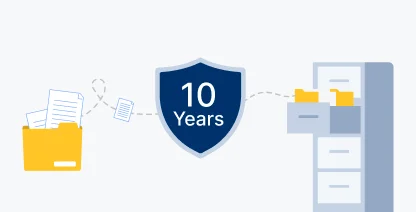
10-Year Storage
Keep filed 1099-S copies securely accessible for
up to ten years.

AI & Live Support
Get filing assistance from BanditAI or connect with a live representative.

Postal Mailing
Mail recipient copies directly and track their delivery from dispatch to doorstep.

Recipient Portal Access
Give recipients secure, lifetime access to view and download their forms.

Smart Mail
Automatically mail a physical copy when a recipient does not view their online form.
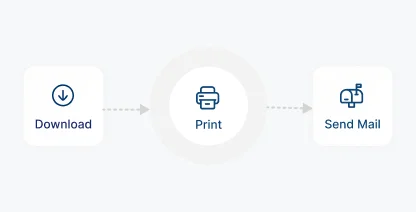
Print & Mail Yourself
Download recipient copies and manage printing and mailing yourself.

Foreign Mailing
Send recipient copies securely to recipients located outside the U.S.
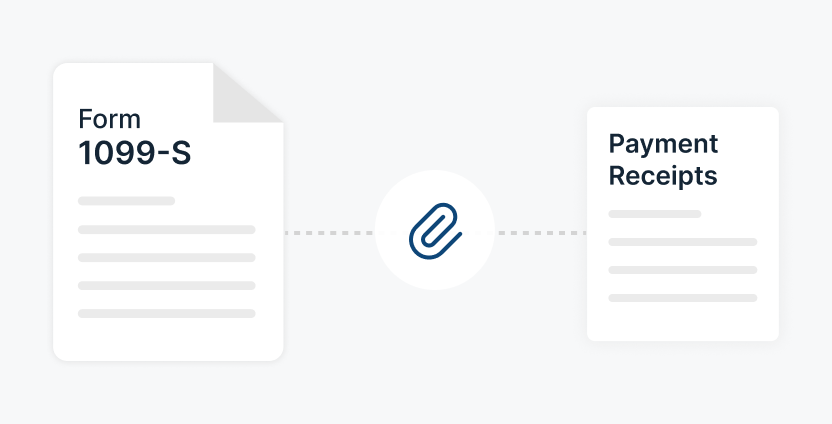
Attach Supporting Documents
Include supporting documents with the recipient copy when required.
Our Trusted Partners & Integrations for 1099-S E-Filing
Connect with the tools you already use

Automate End-to-End 1099-S Filing With
Our API
Connect our API with your existing software to automate filing without switching systems or re-entering data. Import payer and recipient information, validate filing data, generate Form 1099-S, and submit it to the IRS, all from your existing workflow.

POST /v1/Form1099

Exclusive Tools Built for Tax Professionals and High-Volume
Form 1099-S Filing
Manage more clients, more forms, and more payment types, all without adding more
work to your day.
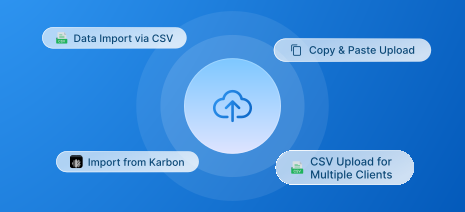
Bulk Filing & Data Ingestion
Import data through bulk templates, accounting integrations, or API, regardless of how many clients or forms you manage.
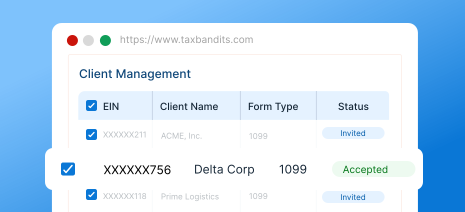
Client Management
Track every client's 1099-S filings and status from one place instead of maintaining separate spreadsheets.
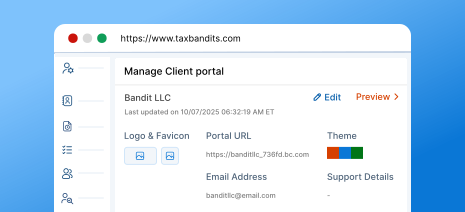
Branded Client Portal
Give each client a portal and communications that reflect your firm's branding, not ours.
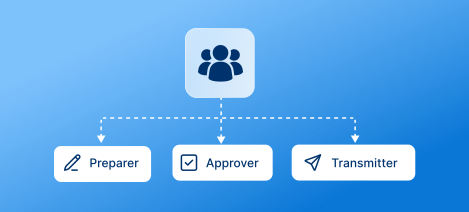
Team Management
Add team members and assign preparer, approver, and transmitter roles based on their responsibilities.

Flexible Payment Options
Get volume-based discounts as your filing count increases, with prepaid credits available for
flexible payment.
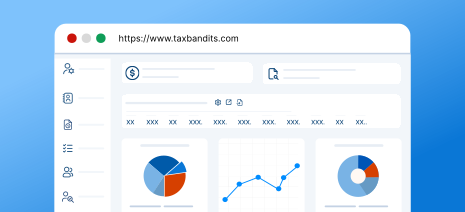
Custom Reports
Generate reports on team performance and client filings to understand activity across your
filing operation.
For high-volume filing, call (704) 684-4758 for custom pricing.
What Information Is Required to E-File Form
1099-S Online
Gather these details before you start, and e-file Form 1099-S
with TaxBandits in minutes.
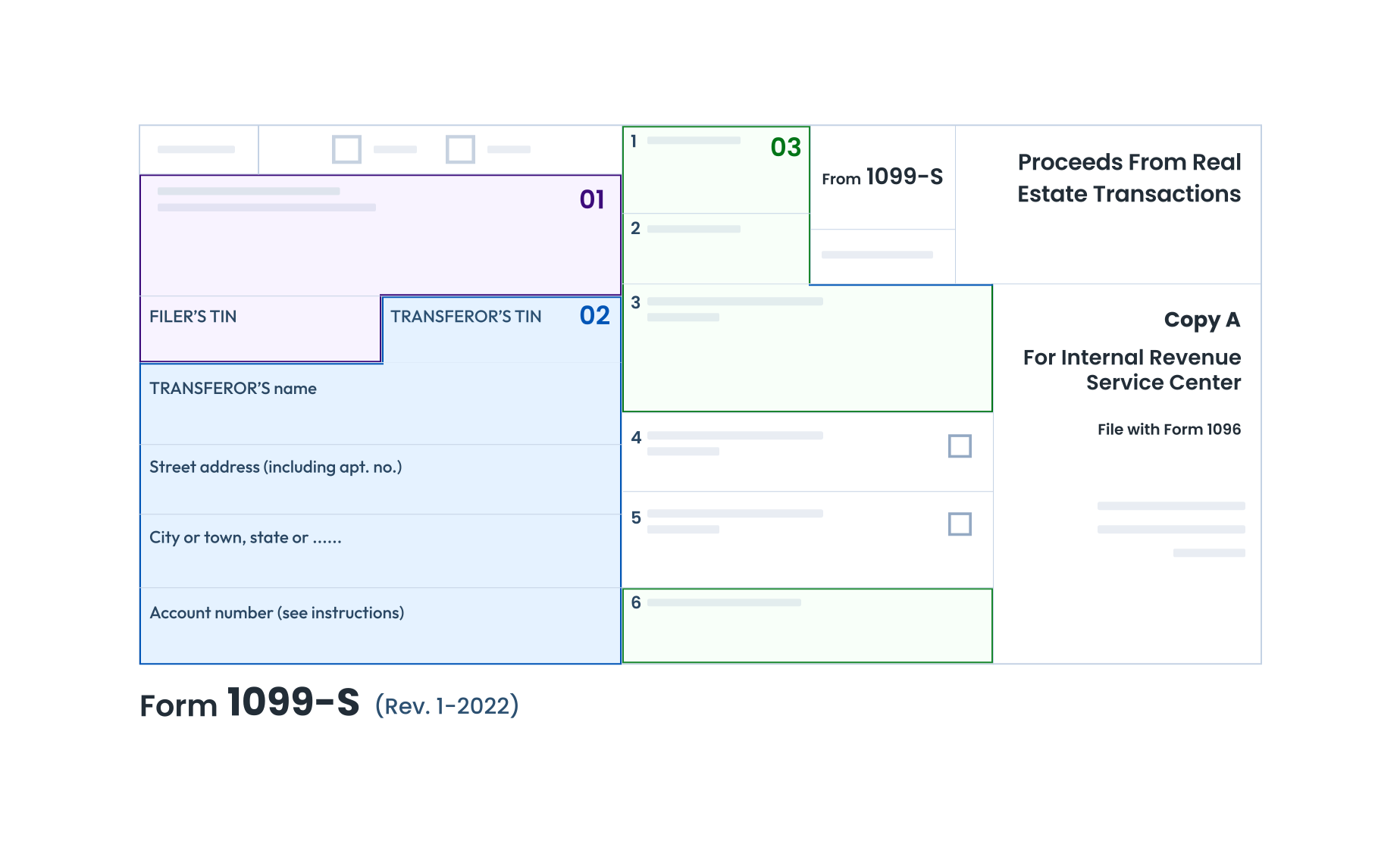
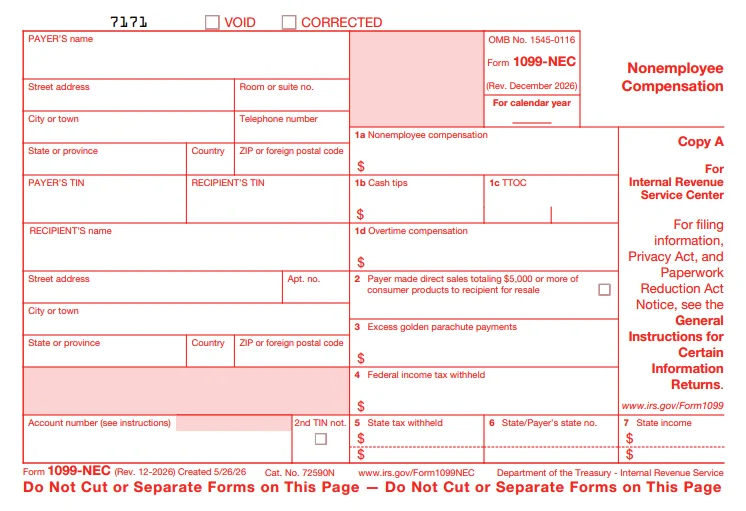
Filer Details
Name, TIN, and address.
Transferor Details
Name, TIN, and address.
Property Details
- Closing date
- Gross proceeds
- Address (including city, state, and ZIP code) or legal description
- Real estate tax
1. Filer Details
Name, TIN, and address.
2. Transferor Details
Name, TIN, and address.
3. Property Details
Closing date, gross proceeds, property address (including city, state, and ZIP code) or legal description, and real estate tax.
Follow our instructions to learn how to fill out Form 1099-S. Start e-filing with TaxBandits today.
How to E-File Form 1099-S Online with TaxBandits
TaxBandits lets you import your Form 1099-S data, review the information, and complete filing
through one organized workflow.
Import and validate
Upload your form 1099-S data, check for errors, and submit with confidence.

CSV Templates

Integration Options

Bulk Upload
File With the IRS
Submit your Form 1099-S returns to the IRS and track their filing status.

1099-S

Validate & Review

Submit to IRS

Track Filing Status
Distribute Recipient Copies
Send recipient copies by mail, through the online portal,
or both.

Ready to e-file Form 1099-S with the IRS?
The Bandit Commitment
Ensuring Peace of Mind for Every Form
1099-S You File
Filing Form 1099-S involves more than accurately reporting transaction details. The Bandit Commitment reflects how TaxBandits supports your filing from preparation
through completion.
-
Getting the right data in
Validate filer, transferor, and transaction information before you submit your
1099-S forms. -
Guided, end-to-end compliance
Federal filing and recipient distribution are
managed together. -
No-cost corrections and retransmissions
Corrections and retransmissions are included at no
extra cost. -
Money-back guarantee
If a 1099-S cannot be accepted or was filed in duplicate, the filing
fee is refunded.
Get the Industry's Best Pricing for Quick and
Accurate 1099-S Filing
Pricing per form based on volume
| No. of Forms | 1-10 | 11-100 | 101-250 | 251-500 | 501-2000 |
| Federal Filing | $2.75 | $1.75 | $1.15 | $1.00 | $0.80 |
Add-on
Price
USPS Address Validation
FREE
TIN Matching
$0.35 / TIN
Online Access
$0.50/recipient
Postal Mailing
$1.85/form
Postal (International)
$4.99/form
Postal + Online (Combo) 10% OFF
$2.12/form
Calculate Your Federal Filing Cost
Estimated Total
$2.75
For Bulk Filers
Filing more than 2,000 forms?
Frequently Asked Questions to File 1099-S Online
Form 1099-S is an IRS information return used for reporting the sale or exchange of real estate properties. This form is used to report the sales of:
- Improved or unimproved lands (including airspace)
- Permanent structures (including residential, industrial, or commercial buildings)
- Condominium units and their appurtenant fixtures and common elements (including land)
- Co-op housing corporation stock
- Any non-contingent interest in standing timber
Want to know how to complete Form 1099-S? Here are the step-by-step Form 1099-S Instructions.
Generally, the person responsible for closing a reportable real estate transaction must file Form 1099-S. This is typically the settlement agent identified on the Closing Disclosure or other settlement statement.
Form 1099-S may be required when a transaction involves the sale or exchange of:
- Improved or unimproved land
- Residential, commercial, or industrial buildings
- Condominium units
- Stock in a cooperative housing corporation
- Certain non-contingent interests in standing timber
Certain transactions may qualify for an exception from Form 1099-S reporting based on IRS requirements.
Recipient copies are due by February 16, 2027. The IRS filing deadline is March 1, 2027, for paper returns and March 31, 2027, for electronic returns. If any of these dates fall on a weekend or holiday, the deadline moves to the next business day.
Beginning with tax year 2026, digital assets used as consideration in a sale or exchange of real estate must be reflected on Form 1099-S.
- New box added: Box 2c reports digital asset gross proceeds measured in U.S. dollars.
-
Gross proceeds reporting: Box 2a reports total gross proceeds, while Box 2b reports cash
gross proceeds. - Digital asset reporting: Closing agents and other real estate filers must identify digital asset consideration and maintain its U.S. dollar value for reporting.
Click here to learn more about the 2026 Form 1099 changes.
The IRS may charge $60 to $340 per return for late or incorrect Form 1099-S filings. Intentional disregard can result in a penalty of $680, with no annual maximum.
The other tiers are capped annually — for returns due in 2027, $244,500 to $1,397,000 for small businesses (average annual gross receipts of $5 million or less) and $698,500 to $4,191,500 for larger filers. Amounts are indexed for inflation each year.
| How late | Per form (returns due 2027) |
|---|---|
| Filed within 30 days | $60 |
| More than 30 days late, by August 1 | $130 |
| After August 1, or not filed | $340 |
| Intentional disregard | $680 |
If you need additional time to file Form 1099-S, you can request an automatic 30-day extension by filing Form 8809 with the IRS on or before the original filing deadline.
Ready to File Form 1099-S?
Join over a million businesses who trust TaxBandits for accurate,
on-time 1099-S filing.
- Authorized IRS e-file provider
- Bank-grade security
- Free retransmission