 BanditAI

File Form 990-N (e-Postcard) Online in 3 Simple Steps
Tax990, our sister product, offers a reliable solution for nonprofits to e-file 990-N effortlessly.

The Tax990 Commitment
Accepted, Every Time—Nonprofit Tax Filing Made Simple
At Tax990, we’ll do whatever it takes to help you get your
forms accepted.

Retransmit Rejected Returns
If your return is rejected by the IRS due to errors, you can correct and resubmit it at no additional cost.

Money-Back Guarantee
If your form isn't accepted or is flagged as a duplicate, we’ll issue a full refund—no questions asked.
Form 990-N: An Overview
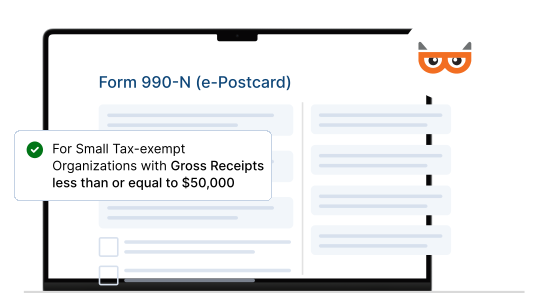
Form 990-N (e-Postcard) is an annual return filed by small tax-exempt organizations with gross receipts less than or equal to $50,000. Form 990-N is also known as an e-postcard.
Form 990-N Filing Due Date
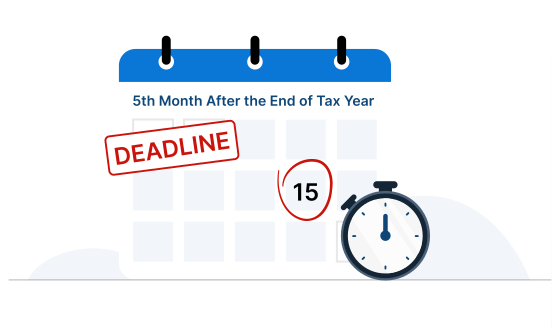
- Form 990-N is due on the 15th day of the 5th month after the end of the organization’s tax year.
- For Organizations that follow a calendar-tax period, the deadline is May 15.
The IRS does not allow exempt organizations to extend the filing deadline of Form 990-N. Failure to file this form for three consecutive years results in automatic loss of exempt status.
Information Required to Complete
Form 990-N (e-Postcard)
When filing Form 990-N (e-Postcard), you’ll need the following basic details to complete your filing:
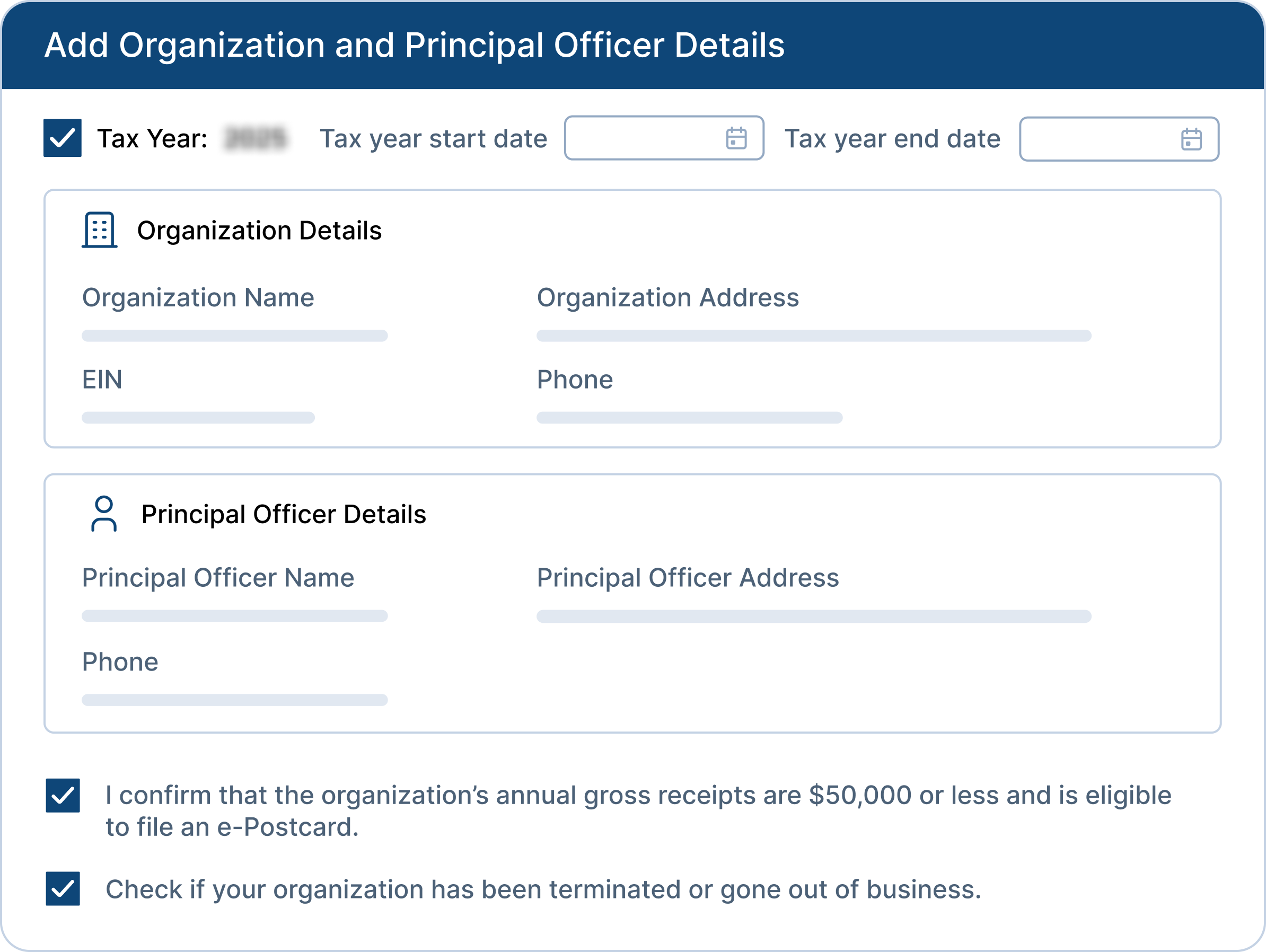
- Employer Identification Number (EIN)
- Tax Year
- Legal Name and Address
- Various Names of the Organization (if applicable)
- Name and Address of a Principal Officer
- Website Address (if applicable)
- Confirmation of Gross Receipts of $50,000 or less
- Written Statement if the organization is going out of business
990-N Filing Made Simple
Get your 990-N done accurately in minutes with our streamlined e-filing solution

Simple 3-Step Filing
You can complete your Form 990-N filing in just 3 simple steps. Search EIN, Review, and Transmit

File from Any Device
Complete and e-file your Form 990-N on any device, such as a mobile, Tablet, or desktop.

Get Instant Notifications
Receive real-time notifications on your filing status and IRS updates–stay informed at every step.

Free Retransmission
If the IRS rejected your 990-N, simply fix the error and retransmit your return at no additional cost.

Smart AI Assistance
Our AI-powered assistant is available around the clock to answer your questions and guide you through the process.

World-Class Customer Support
Need help? Our experienced support team is ready via chat, phone, or email—whenever you need it.
Exclusive Pro Features Tailored for Tax Professionals
Tax990 provides exclusive features that streamline Form 990-N filings for paid preparers and EROs.
File for Multiple Tax Years at Once
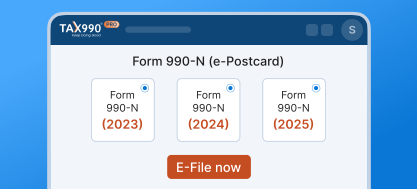
Easily prepare and e-file Form 990-N (e-Postcard) returns for multiple tax years at once in one streamlined workflow.

Enable Efficient Team Management
Efficiently manage multiple 990-N filings by assigning roles, controlling access, and collaborating securely with your team.

Save More with Volume-Based Pricing
Take advantage of cost-effective pricing tailored for preparers and EROs managing high-volume Form 990-N filings.
How to E-file Form 990-N (e-Postcard) with Tax990?
-
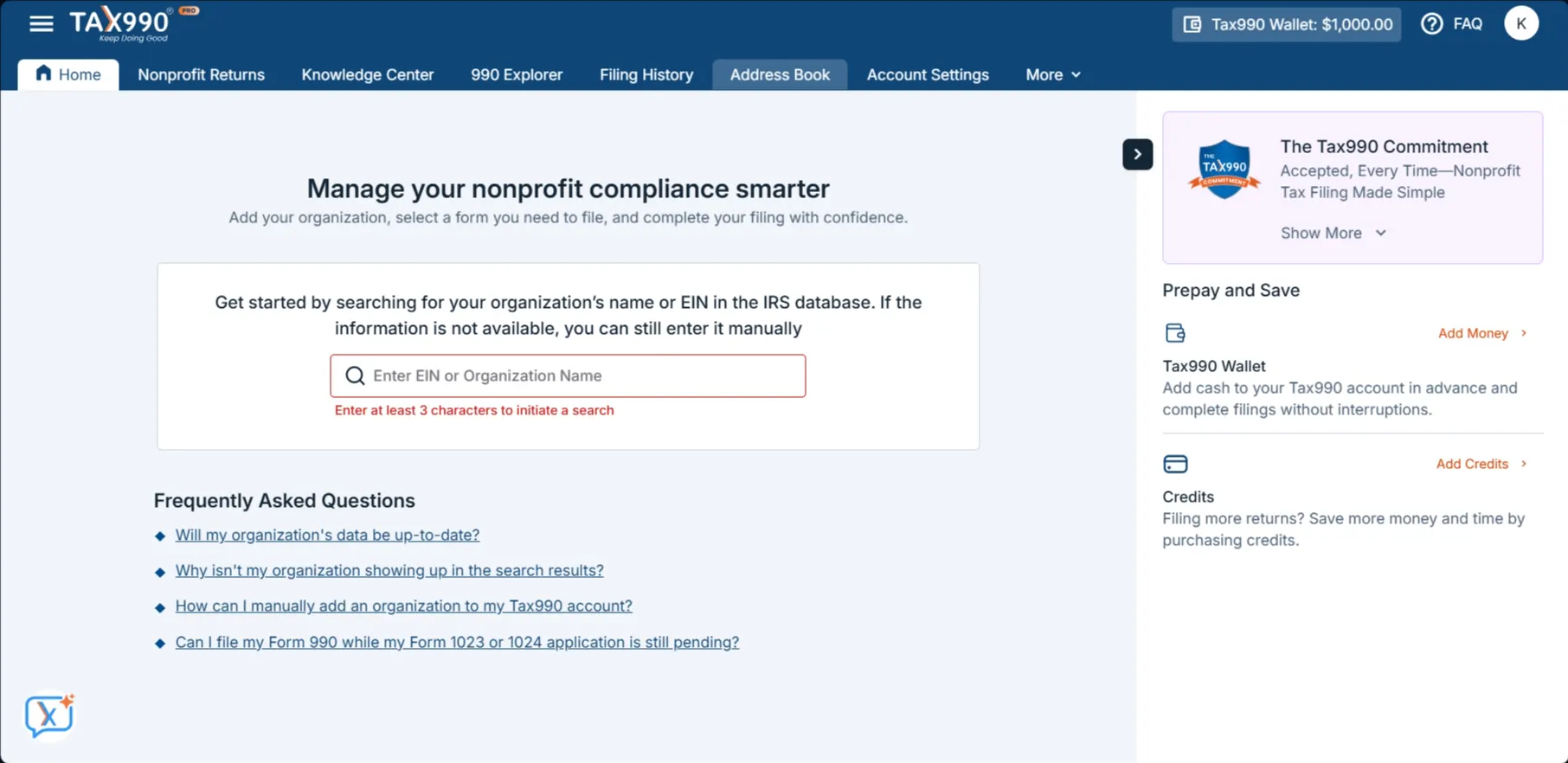
Step 1: Add Organization’s EIN
Search using your EIN, and our system will automatically retrieve your organization’s details from the IRS.
-
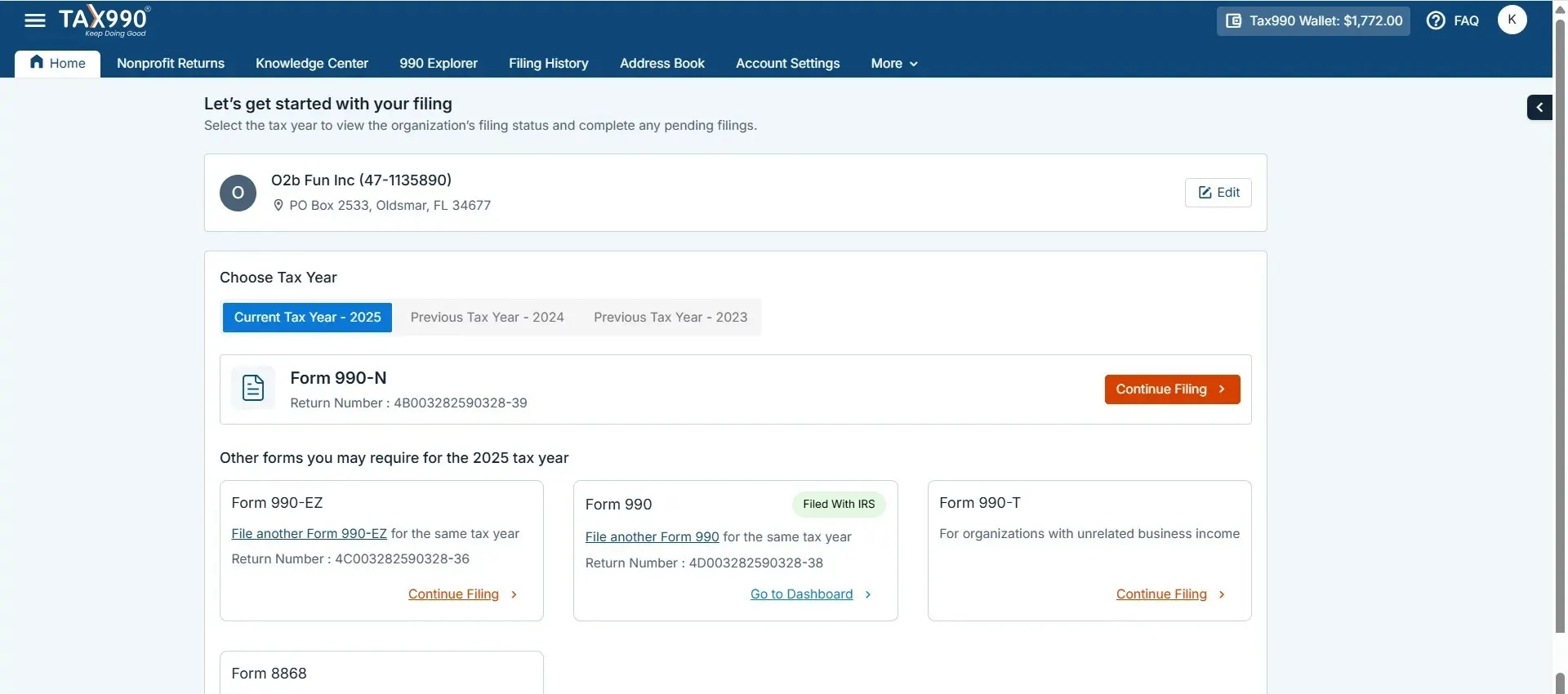
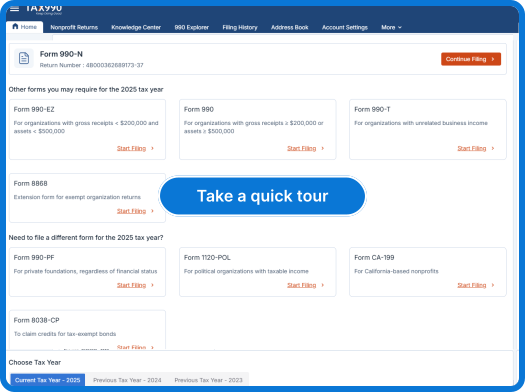
Step 2: Choose Tax Year
Tax990 supports Form 990-N filings for both the current and prior tax years. Choose the applicable year, select Form 990-N, and continue.
-
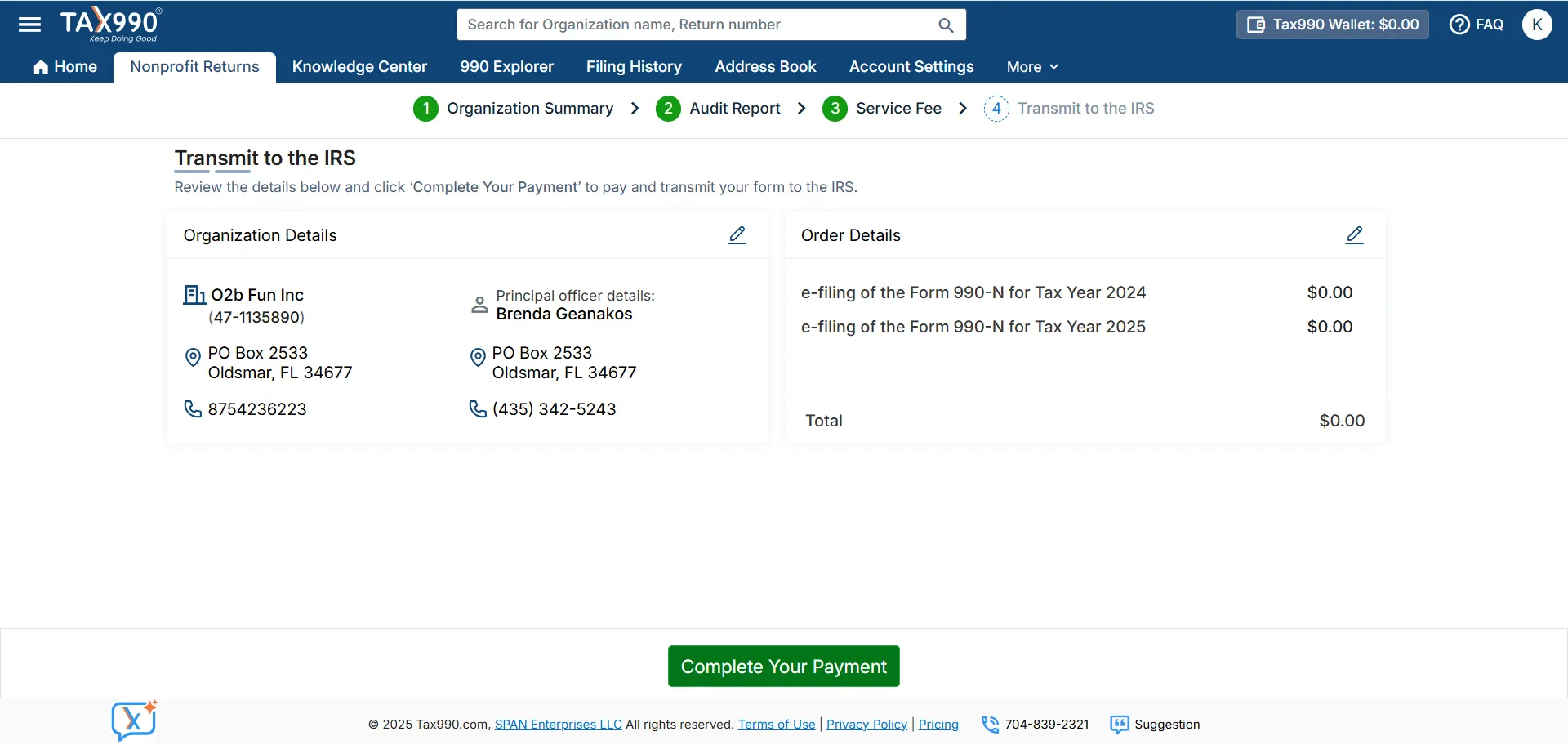
Step 3: Review and Transmit it to the IRS
Review the completed form and electronically transmit it to the IRS. You’ll receive real-time filing status updates via email or text.
-
Step 1: Add Organization’s EIN
Search using your EIN, and our system will automatically retrieve your organization’s details from the IRS.
-
Step 2: Choose Tax Year
Tax990 supports Form 990-N filings for both the current and prior tax years. Choose the applicable year, select Form 990-N, and continue.
-
Step 3: Review and Transmit it to the IRS
Review the completed form and electronically transmit it to the IRS. You’ll receive real-time filing status updates via email or text.
How Much Will It Cost to File Form 990-N Electronically?
Advantages of Choosing Our Software
- 3-step easy filing process
- File from any device
- Instant IRS status updates
- World-class customer support
- Retransmit rejected returns for FREE
$19.90/Form
Advantages of Choosing Our Software
- 3-step easy filing process
- File from any device
- Instant IRS status updates
- World-class customer support
- Retransmit rejected returns for FREE
$19.90/Form
See why our clients choose Tax990
Trusted and loved by users like you.
4.9 rating of 52,784 reviews
Trusted and loved by users like you.
4.9 rating of 52,784 reviews
Frequently Asked Questions
What is Form 990-N (e-Postcard)?
- Form 990-N (e-Postcard) is an IRS form used by smaller nonprofits with gross receipts less than or equal to $50,000 to meet their annual tax filing requirements.
- These organizations can also meet their annual filing requirement by voluntarily filing Form 990 or Form 990-EZ instead.
When is the due date to file Form 990-N (e-Postcard) for the 2025 tax year?
- Nonprofits and tax-exempt organizations must file Form 990-N (e-Postcard) by the 15th day of the 5th month after the end of their accounting period.
- For organizations operating on a calendar tax year with the accounting period ending on December 31, the filing deadline is May 15.
What is Automatic Revocation?
-
Nonprofits and Tax-Exempt Organizations that fail to file Form 990-N (e-Postcard) for three consecutive years will have their tax-exempt status
automatically revoked. - To reinstate the tax-exempt status, the organization has to reapply for exempt status within a stipulated time using the appropriate form and also provide a reasonable cause for why they failed to file.
Can I request an extension for Form 990-N?
No. Unlike other Form 990 filings, the Form 990-N deadline cannot be extended.
Is there a penalty for filing Form 990-N late?
There is no monetary penalty for late filing. However, failure to file Form 990-N for three consecutive years will result in automatic revocation of the organization’s tax-exempt status by the IRS.
Can Form 990-N be amended?
No. Amended returns are not applicable for Form 990-N.
Ready to E-File your Form 990-N Online?
Make use of our Tax990 to file Form 990-N (e-Postcard) online in 3 simple steps. Easy, secure, and accurate.
Get Started Now