
 BanditAI
E-File Form 3921 Online to Report Incentive Stock Option Exercises
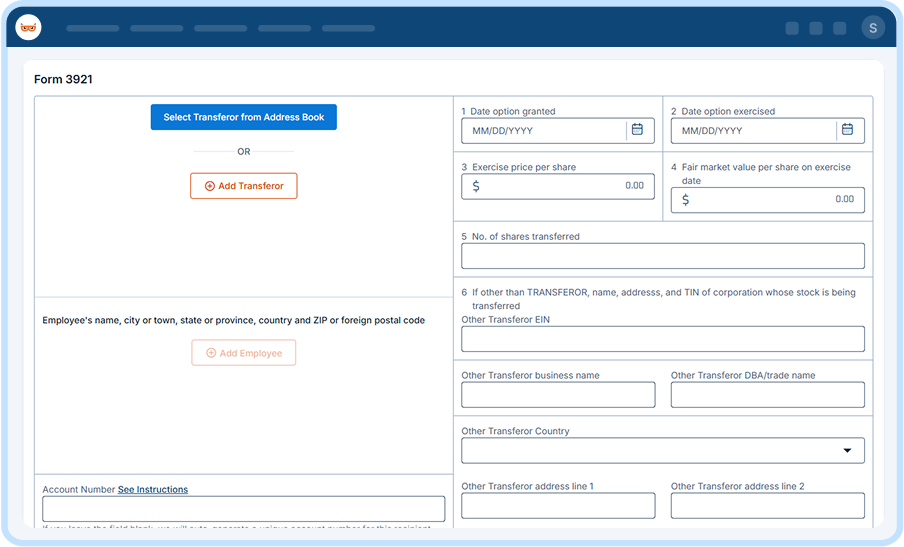
Import your data, let us validate it, and e-file Form 3921 with the IRS, then deliver employee copies in one submission.
From $0.80/form at volume. Free corrections and retransmissions. Rated 4.9 by 52,784 filers.
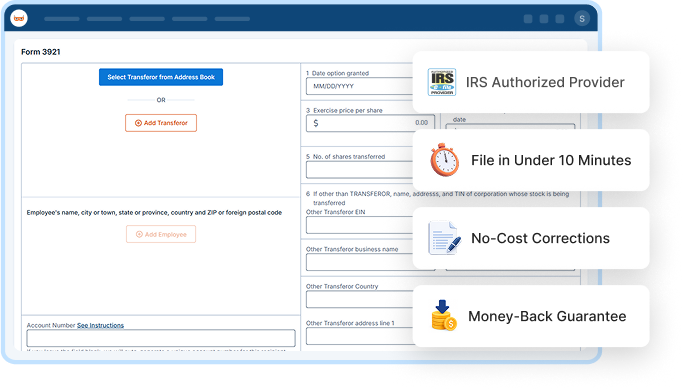

IRS Authorized Provider

File in Under 10 Minutes

No-Cost Corrections

Money-Back Guarantee
4.9/5
52,784 verified reviews
1M+
Businesses served
$0
Hidden fees
24/7
Live customer support
100%
Accuracy guarantee
Form 3921: What You Need to Know
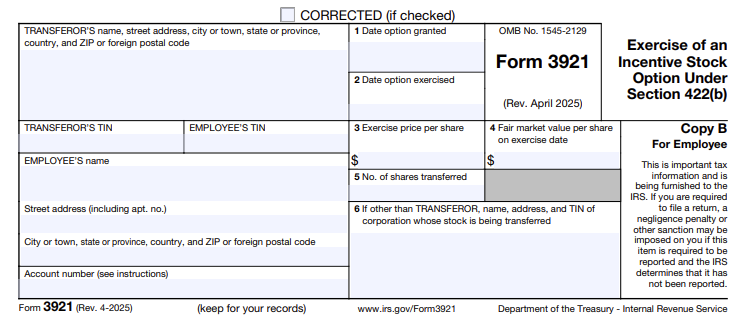
Form 3921, Exercise of an Incentive Stock Option Under Section 422(b), is used to report the transfer of stock resulting from an employee’s exercise of an incentive stock option under Section 422(b). The form includes details such as the date the option was granted, the date it was exercised, the exercise price per share, and the fair market value of the stock on the exercise date.
The corporation must file Form 3921 with the IRS and furnish the required copy to the employee who exercised the incentive stock option. The information reported helps the employee determine the tax treatment of the stock acquired through the
option exercise.
One Platform, Built for However You File Form 3921
Whether you're filing one form or ten thousand, TaxBandits fits the way you already work.

For Employers / Business Owners
Filing It Yourself
Filing your first Form 3921? We make
it easy.
- Internal Audit Check
- Real-Time TIN Matching
- AI Assistant
- Live Customer Support

For tax professionals
Filing for Clients
Run every client's filing from one dashboard.
- Multi-Client Dashboard
- Role-Based Team Access
- Bulk Filing
- Branded Client Portal

For Payroll Providers / Enterprises
Filing at Scale
Import data from your own systems and file
in bulk.
- Custom Data Ingestion
- Complex Compliance Support
- API Access
- Dedicated Support
Ready to streamline your 3921 filing?
Everything You Need for Filing
3921 Forms
Manage each stage of Form 3921 filing, from entering stock option details to delivering
employee copies, in one place.

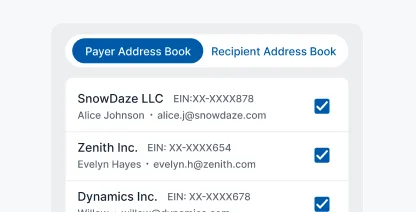
Address Book
Save corporation and employee information for use in future filings.
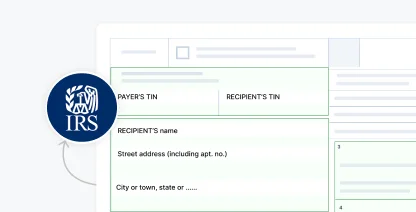
IRS Business Validation
Catch formatting errors against current IRS standards before you submit.
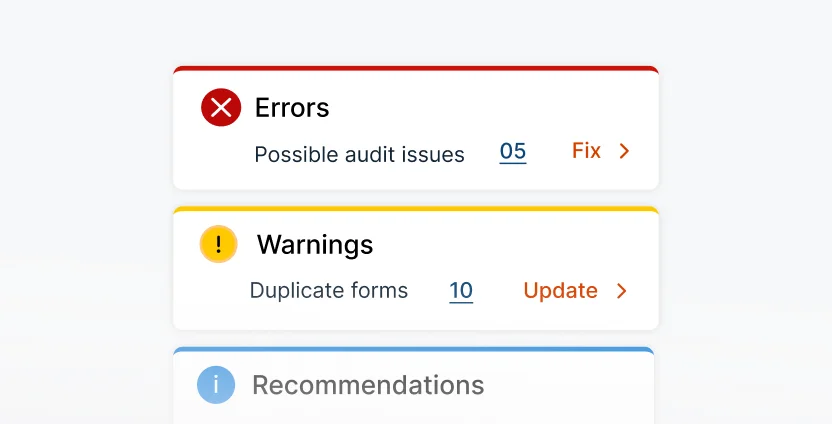
Smart Audit & Review
Check for missing information and potential filing issues before submitting your forms.
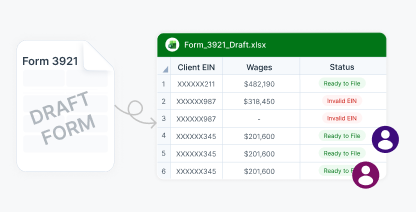
Share Forms for Review
Send draft Form 3921 forms to your team for review before filing.

Federal Filing
Submit Form 3921 to the IRS through one streamlined filing process.
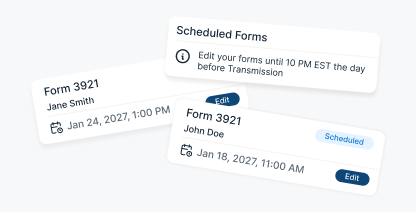
Schedule Filing
Prepare forms ahead of time and select when to transmit them.

Free Retransmission
Correct a rejected return and retransmit it without additional filing fees.

10-Year Storage
Keep filed Form 3921 records securely accessible for ten years.

AI & Live Support
Get assistance from BanditAI or connect with a live support representative
when needed.

Postal Mailing
Mail employee copies directly and track them through delivery.

Recipient Portal Access
Provide employees with secure access to their Form 3921 online.

Smart Mail
Automatically send a physical copy when the online version remains unviewed.
Print & Mail Yourself
Download employee copies and handle printing and mailing internally.

Foreign Mailing
Send employee copies securely to employees located outside the U.S.
Our Trusted Partners & Integrations for Form 3921 E-Filing
Connect with the tools you already use

Exclusive Tools Built for Tax Professionals and High-Volume Form 3921 Filing
When you're managing Form 3921 filings for multiple employers, keeping employee details, stock option information, and filing statuses
organized shouldn't require separate spreadsheets or manual tracking.
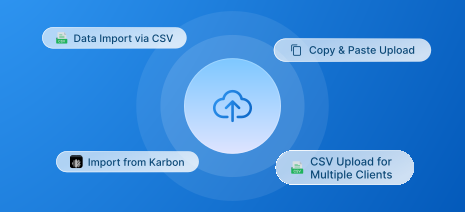
Bulk Filing
Import Form 3921 data through bulk templates, regardless of your filing volume.
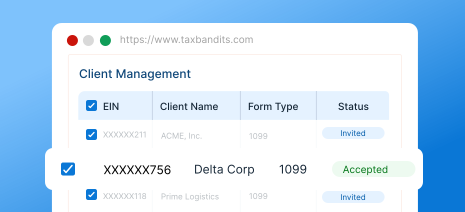
Client Management
Monitor each client's Form 3921 filings and statuses from one centralized dashboard.
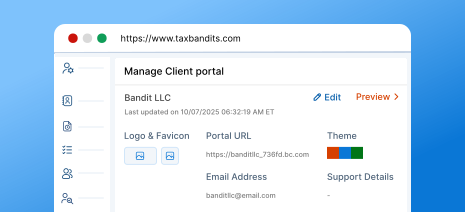
Branded Client Portal
Provide clients with a portal and communications customized to your firm's brand.
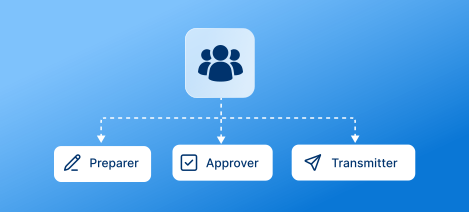
Team Management
Add team members and assign preparer, approver, and transmitter roles based on
their responsibilities.

Flexible Payment Options
Access volume-based pricing as your filing count increases, along with prepaid
credit options.

Custom Reports
Generate reports on team activity and client filings to monitor workflow and filing progress.
For high-volume filing, call (704) 684-4758 for custom pricing.
What Information Is Required to E-File Form 3921 Online
Gather these details before you start, and e-file Form 3921 with TaxBandits in minutes.
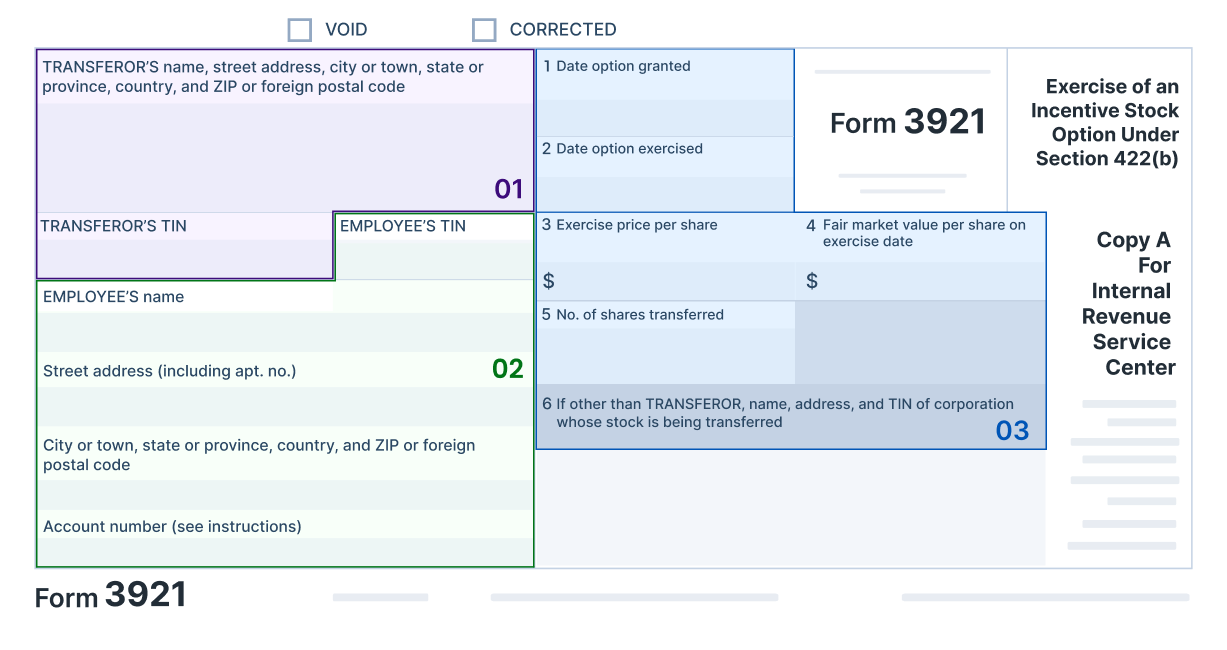
Transferor Details
TIN, Name, Address
Employee Details
TIN, Name, Address
Incentive Stock Option Details
- Date option granted and exercised
- Exercise price per share
- The fair market value (FMV) on the exercise date
- The number of shares transferred
- If other than Transferor, Name, Address, and TIN of Corporation whose stock is being transferred
Start e-filing with TaxBandits today.
How to E-File Form 3921 Online with TaxBandits
TaxBandits lets you enter Form 3921 details, review the information, and complete filing through one streamlined workflow.
Import and Validate
Enter your Form 3921 information, then review built-in checks before submission.

CSV Templates

Integration Options

Copy-Paste

Bulk Upload
File with IRS
Submit Form 3921 to the IRS and monitor your filing status through the process.

3921

Validate & Review

Submit to IRS & State

Track Filing Status
Deliver Recipient Copies
Send employee copies by mail, through the online portal, or both.

Ready to e-file Form 3921 with the IRS?
The Bandit Commitment
Ensuring Peace of Mind for Every
Form 3921 You File
Filing Form 3921 involves more than reporting stock option exercises. The Bandit Commitment reflects how TaxBandits supports your filing from preparation through completion.
-
Getting the right data in
Review corporation, employee, and option details before submitting your Form 3921.
-
Guided, end-to-end compliance
IRS filing and employee copy delivery are managed together in one workflow.
-
No-cost corrections and retransmissions
Corrections and retransmissions are included at no
extra cost. -
Money-back guarantee
If a Form 3921 cannot be accepted or was filed in duplicate, the filing fee is refunded.
Get the Industry's Best Pricing for Quick and Accurate 3921 Filing
Pricing per form based on volume
| No. of Forms | 1-10 | 11-100 | 101-250 | 251-500 | 501-2000 |
| Federal Filing | $2.75 | $1.75 | $1.15 | $1.00 | $0.80 |
Add-on
Price
USPS Address Validation
FREE
TIN Matching
$0.35 / TIN
Online Access
$0.50/form
Postal Mailing
$1.85/form
Postal (International)
$4.99/form
Postal + Online (Combo) 10% OFF
$2.12/form
Calculate Your Federal Filing Cost
Estimated Total
$2.75
For Bulk Filers
Filing more than 2,000 forms?
Frequently Asked Questions to File 3921 Online
Form 3921 is used to report the transfer of stock when an employee exercises an incentive stock option (ISO) under Section 422(b). Corporations must file Form 3921 with the IRS for each qualifying stock transfer and provide a copy to the employee.
A corporation must file Form 3921 if it transfers a share of stock to an individual pursuant to the exercise of an incentive stock option (ISO) under Section 422(b). The corporation must file Form 3921 with the IRS for each qualifying transfer and provide the required copy to
the employee.
The deadline to file Form 3921 with the IRS is March 1, 2027, if filing on paper, or March 31, 2027, if filing electronically.
The deadline to furnish Form 3921 to the recipient is February 1, 2027. Since January 31, 2027, falls on a Sunday, the deadline moves to the next business day.
The IRS may impose penalties for failing to file Form 3921 correctly and on time or for failing to provide the required employee statement. The penalty amount generally depends on how late the form is filed and whether the failure was due to intentional disregard.
Both forms report certain stock transactions involving employees, but they apply to different types of stock options. Form 3921 reports the transfer of stock following an employee's exercise of an Incentive Stock Option (ISO) under Section 422(b). Form 3922 reports the transfer of stock acquired through an Employee Stock Purchase Plan (ESPP) under Section 423(c).
Ready to File Form 3921?
Join over a million businesses who trust TaxBandits for accurate,
on-time 3921 filing.
- Authorized IRS e-file provider
- Bank-grade security
- Free retransmission