 BanditAI

Simplified 990-T E-Filing for Reporting Unrelated Business Income
Tax990, our sister product, offers a reliable solution for nonprofits to e-file 990-T effortlessly.

The Tax990 Commitment
Accepted, Every Time—Nonprofit Tax Filing Made Simple
At Tax990, we’ll do whatever it takes to help you get your
forms accepted.

Complimentary Extension Requests
Don’t think you’ll meet the deadline? Pay for your 990 return upfront and file your 8868 at no additional cost.

Retransmit Rejected Returns
If the IRS rejects your return due to errors, you can correct and resubmit it at no additional cost.

No Cost Corrections
Found an error after submitting your return? You can submit corrections free of charge–up to three times.

Money-Back Guarantee
If your form isn't accepted or is flagged as a duplicate, we’ll issue a full refund—no questions asked.
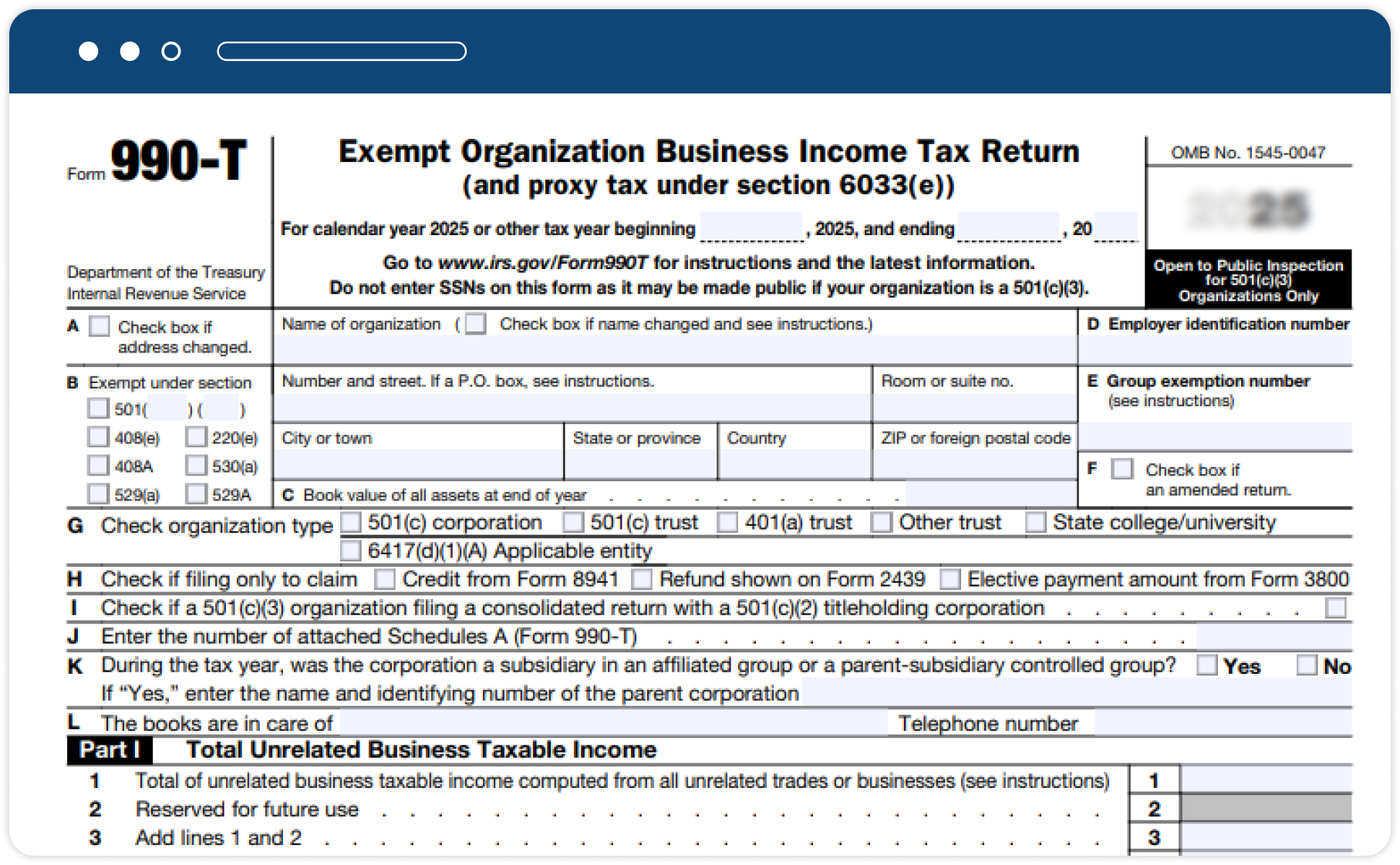
Form 990-T—An Overview
Form 990-T is an annual IRS return filed by certain tax-exempt organizations to report unrelated business taxable income (UBTI). It is also used to:
- Report proxy tax liability
- Claim refund credits for taxes paid by a regulated investment company (RIC)
- Request credits for certain federal excise taxes or small employer health insurance premiums paid
990-T Filing Due Date
Form 990-T due date depends on the organization type:
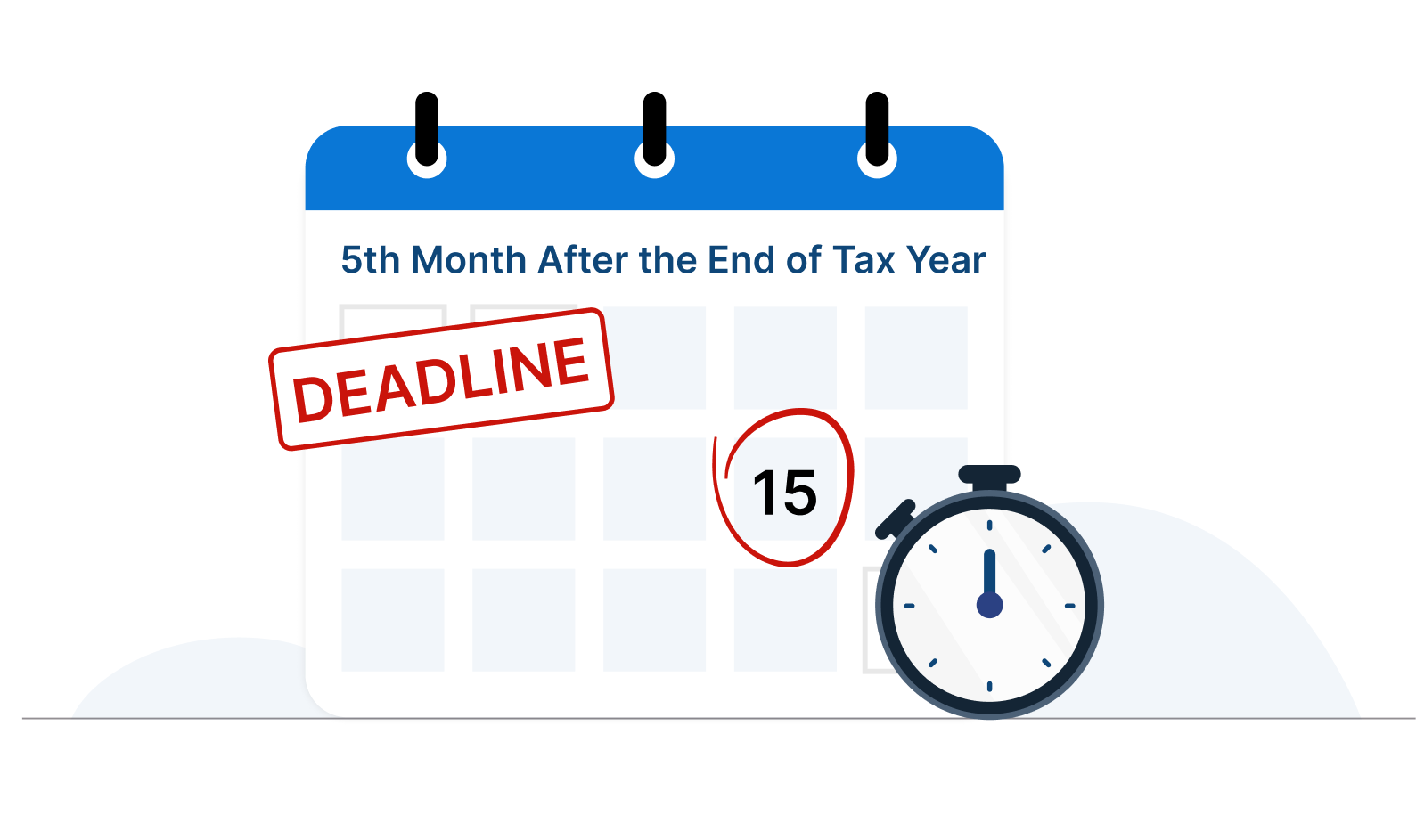
- Employee trusts defined under Section 401(a), along with IRAs (including SEPs and SIMPLEs), Roth IRAs, Coverdell ESAs, and Archer MSAs, must file Form 990-T by the 15th day of the 4th month after the end of the tax year.
- All other organizations are required to file Form 990-T by the 15th day of the 5th month.
Information Required for Filing
Form 990-T
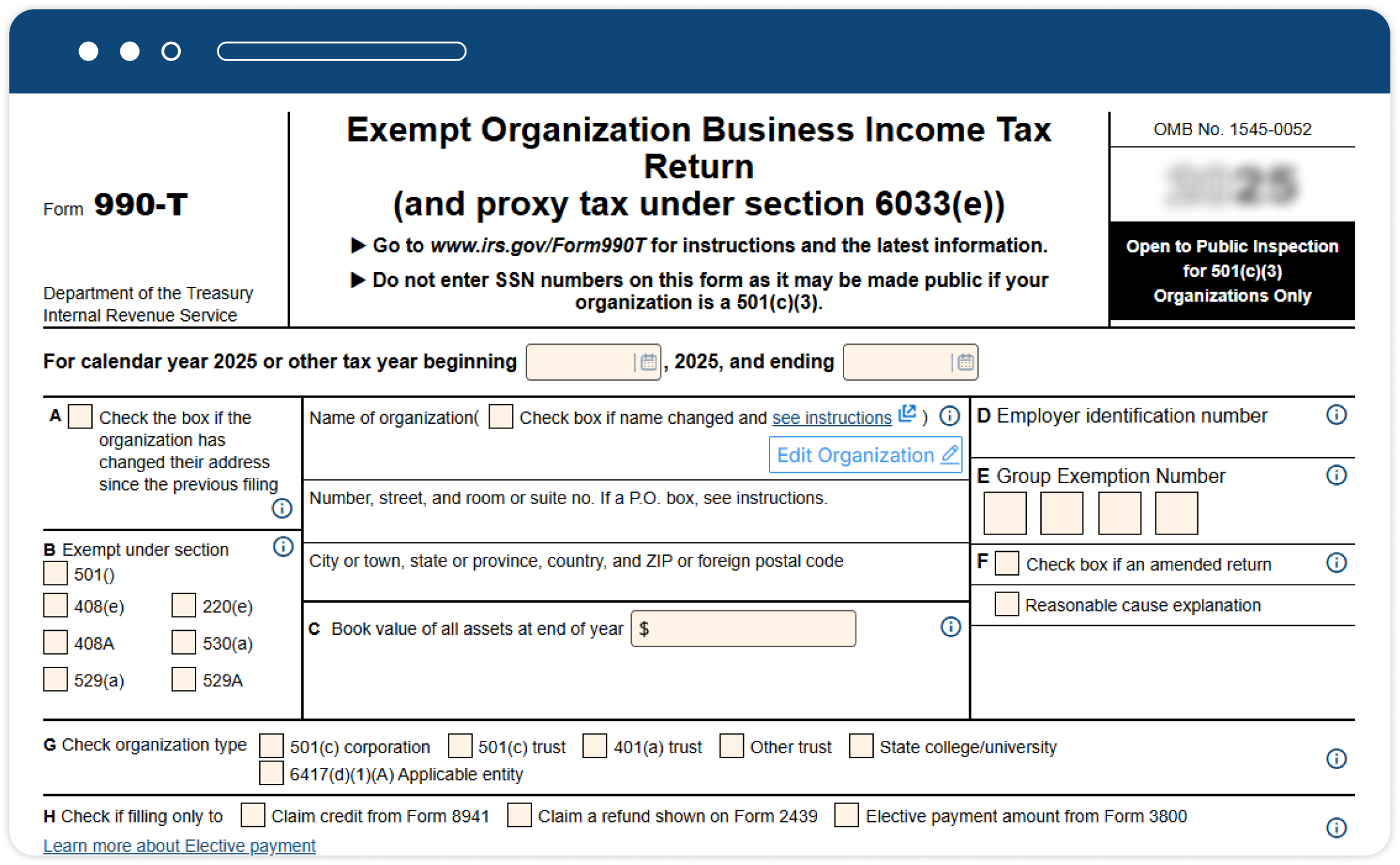
Here is what you’ll need to file Form 990-T online,
- The organization’s basic information
- Details about the Unrelated Business Income (UBI)
- Tax computations
- Tax dues and payments
- Other activities of the organization
Simplified Form 990-T Preparation
Get your 990-T done accurately in minutes with our streamlined e-filing solution

Direct Form Entry
Enter information directly into each section of Form 990-T using our intuitive interface—designed for clarity and ease.

Includes Supporting Forms
Tax 990 Includes supporting forms 4562, 4797, 1120 Schedule D, 1041 Schedule D, 1041 Schedule I, 8949, 8995, and 3800.

Internal Audit Check
Our system reviews your return against IRS business rules and highlights potential errors before submission.

Share Returns for Approval
Share your 990-T return with board members or internal reviewers to gather input and approvals before submission.

Smart AI Assistance
Our AI chatbot is here to guide you 24/7—get quick answers whenever you need help.

World-Class Customer Support
Need help? Our experienced support team is ready via chat, phone, or email—whenever you need it.
Exclusive Pro Features Designed for Tax Professionals
Tax990 provides exclusive features that streamline Form 990-T filings for paid preparers and EROs.

Enable Efficient Team Management
Invite your team members and assign tasks to help prepare and submit 990-T filings for the clients.
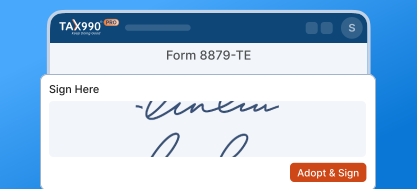
Quick & Secure E-Signing
Tax990 provides easy e-sign options for Form 8453-TE and Form 8879-TE, streamlining your filing process.

Volume-Based Pricing
Our volume-based pricing plans help you save more on filings while ensuring tax compliance for your clients.
How to e-file Form 990-T with Tax990?
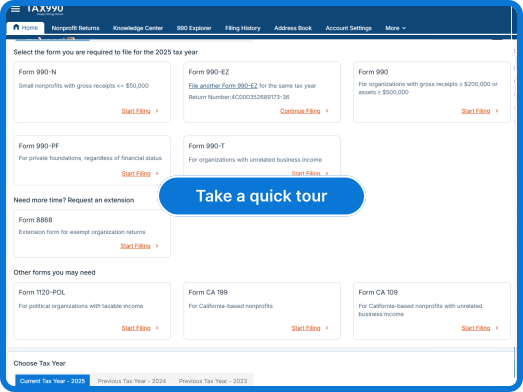
-
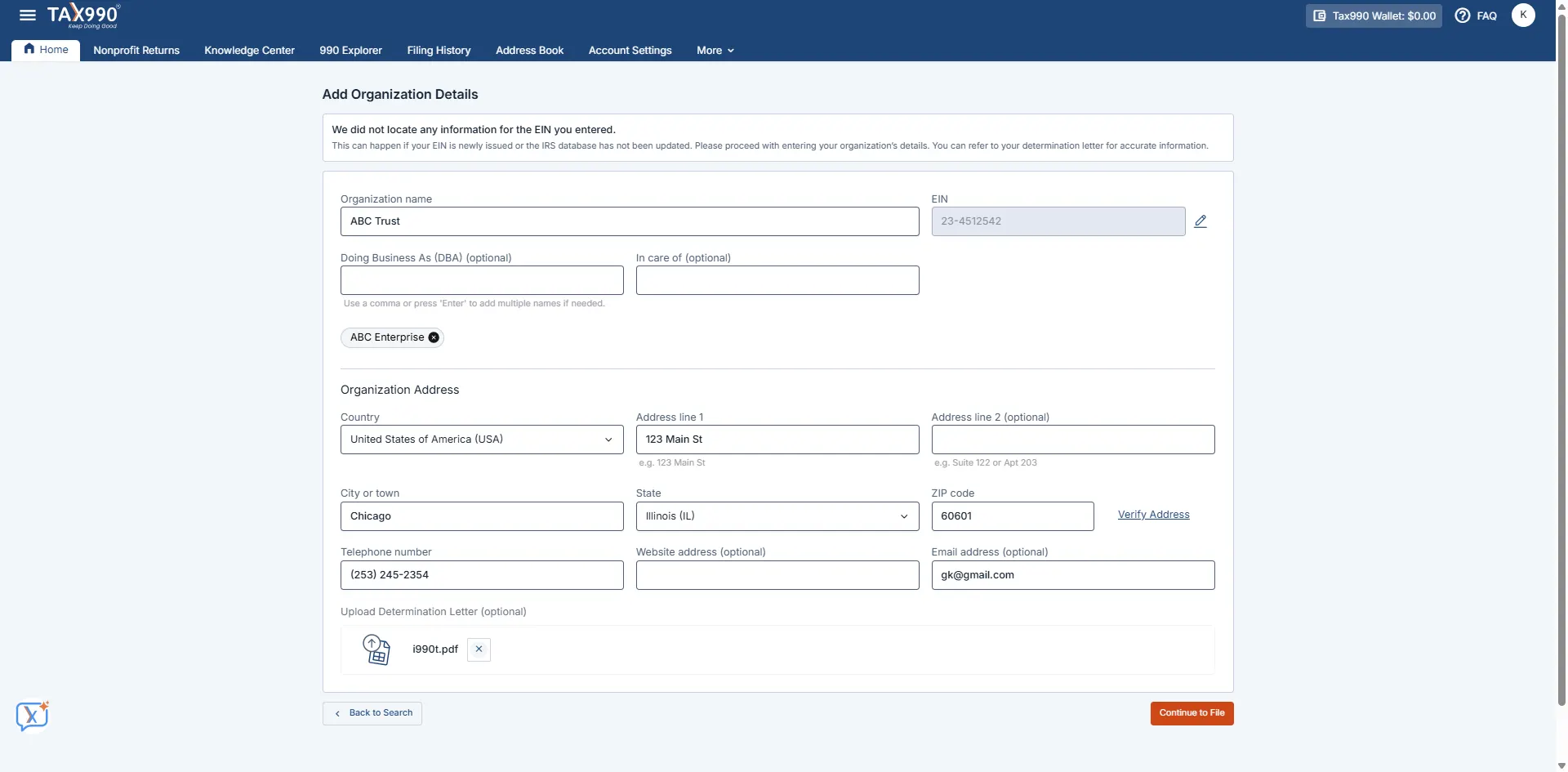
Step 1: Add Organization’s EIN
Search using your EIN, and our system will automatically retrieve your organization’s details from the IRS.
-
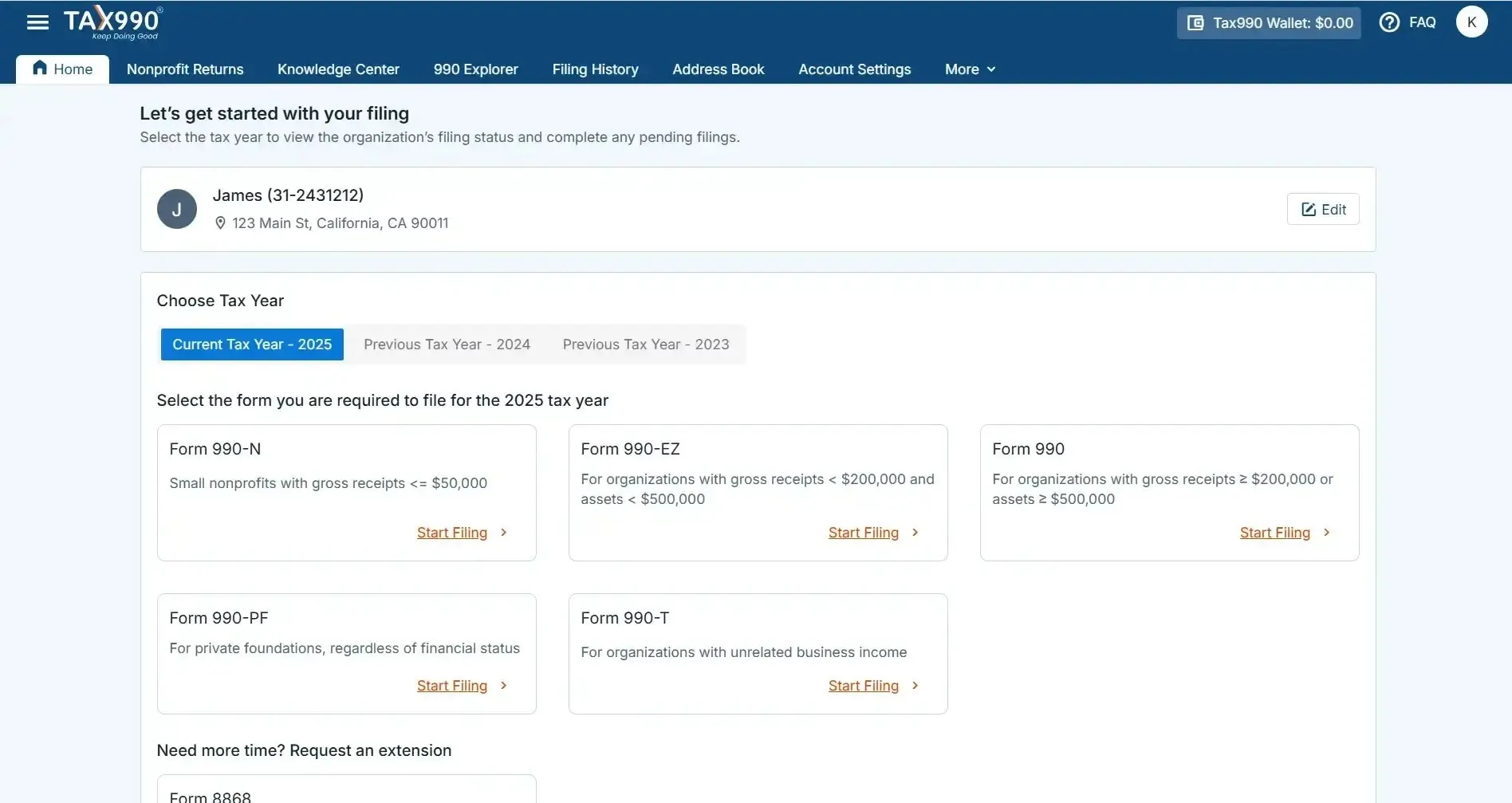
Step 2: Choose Tax Year
Choose the tax year for which you want to file a return and proceed. Tax990 supports the current and the previous year's filing.
-
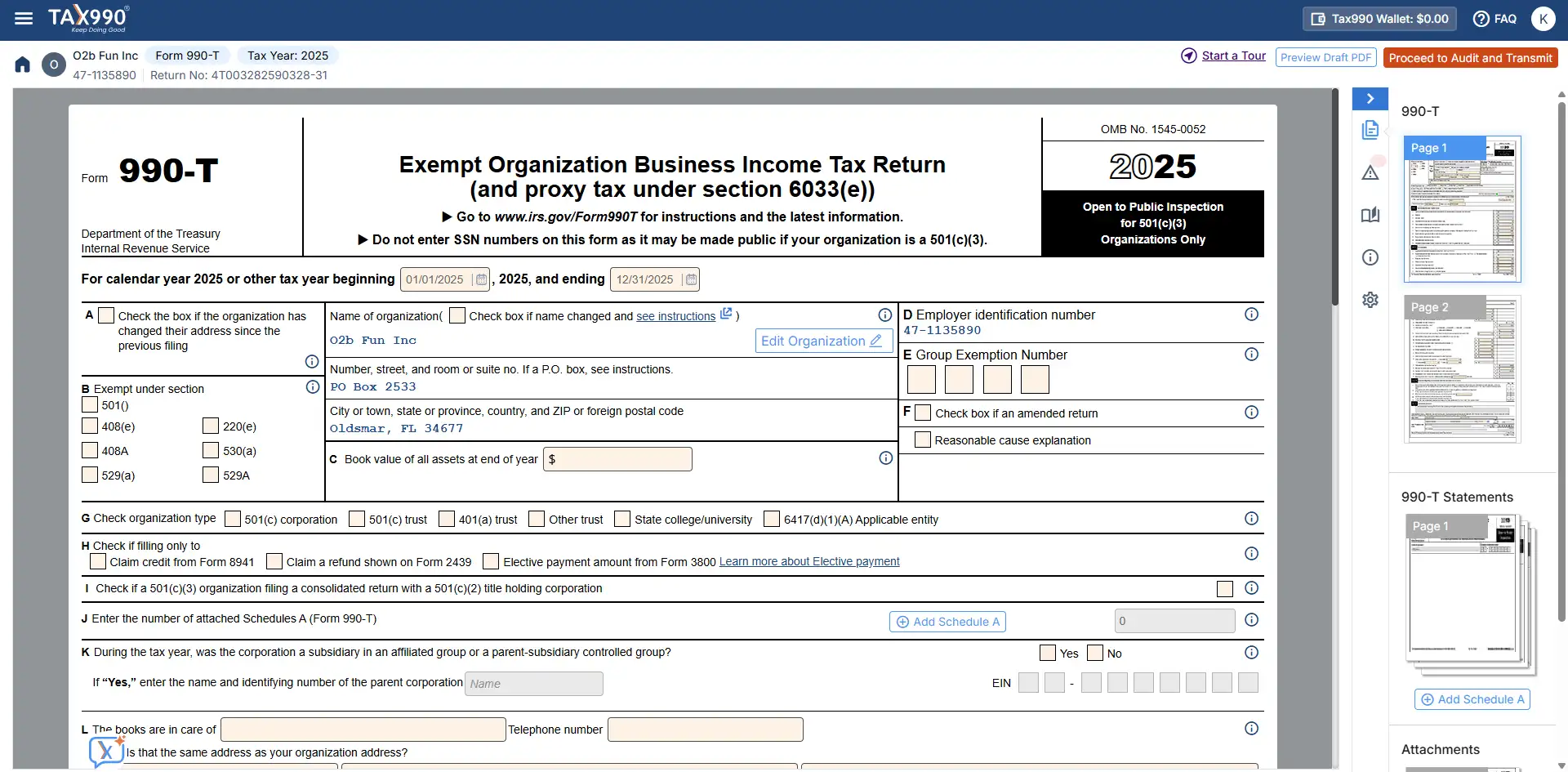
Step 3: Enter Form Data
Enter your details directly into each section of Form 990-T through a structured, easy-to-follow interface built for accuracy and efficiency.
-
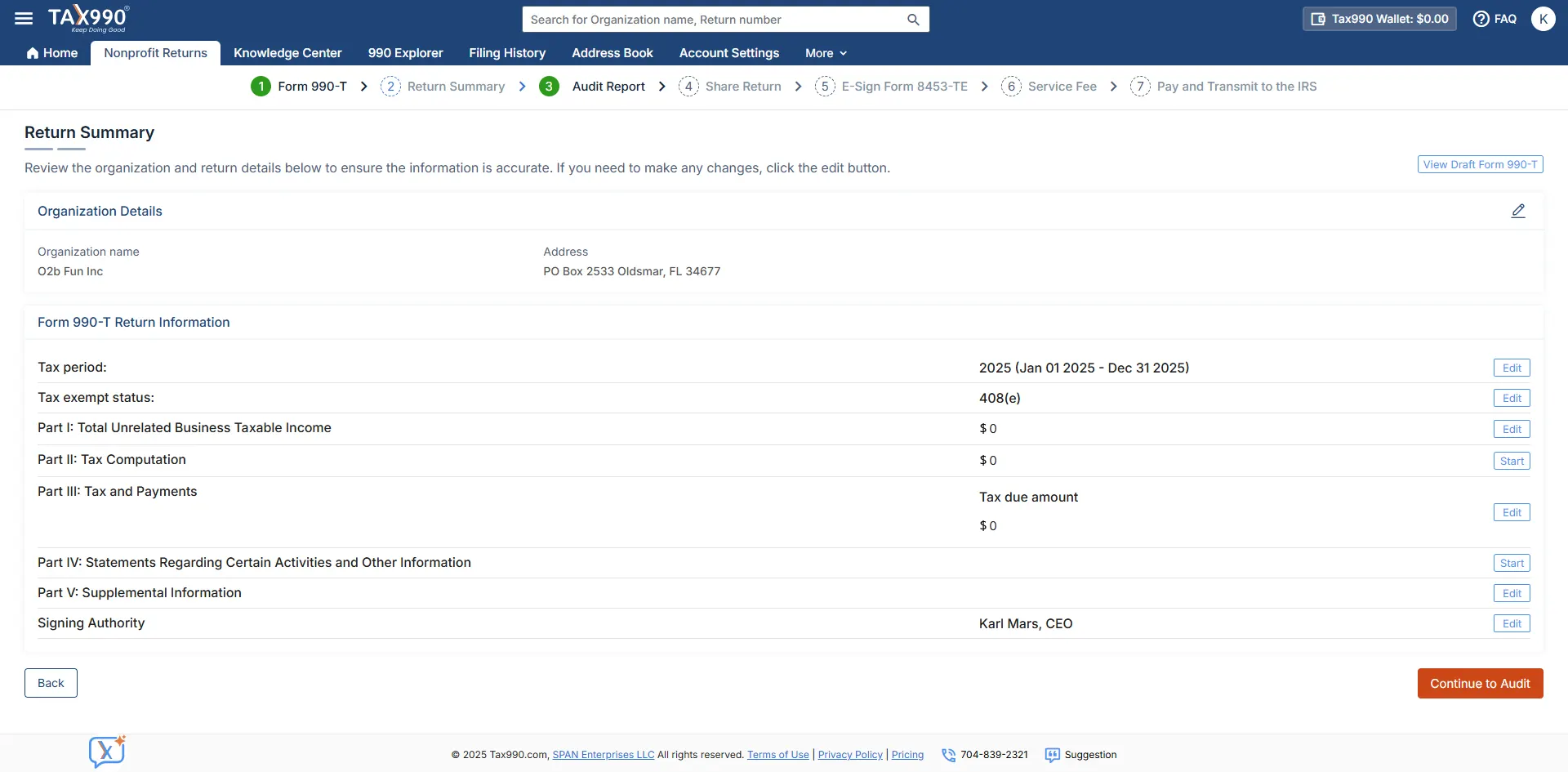
Step 4: Review the Return
You can review the summary of your form. Also, you can share your form with other organization members to review and approve the return.
-
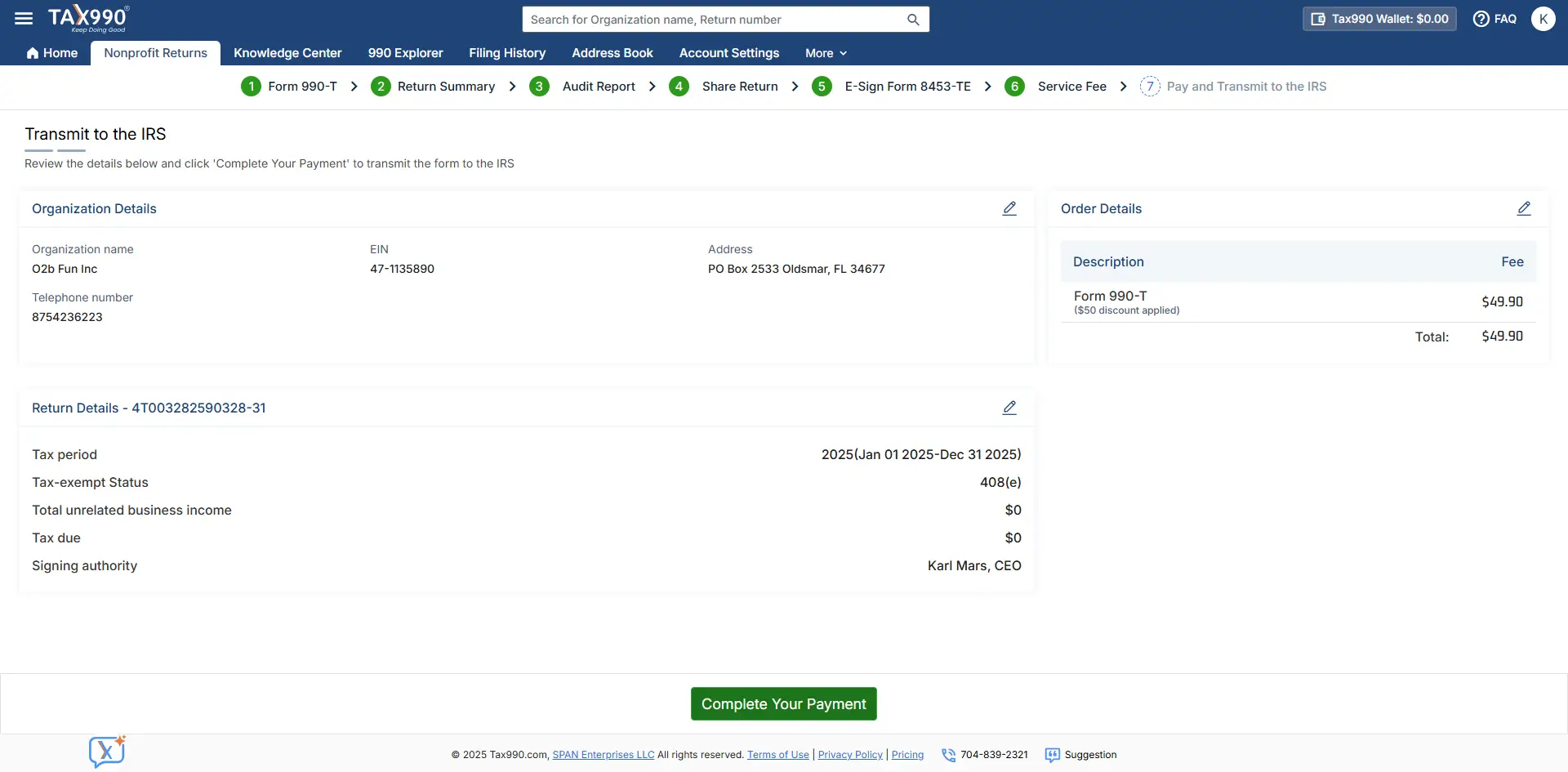
Step 5: Transmit to the IRS
Review the completed form and electronically transmit it to the IRS. You’ll receive real-time filing status updates via email or text.
-
Step 1: Add Organization’s EIN
Search using your EIN, and our system will automatically retrieve your organization’s details from the IRS.
-
Step 2: Choose Tax Year
Choose the tax year for which you want to file a return and proceed. Tax990 supports the current and the previous year's filing.
-
Step 3: Enter Form Data
Enter your details directly into each section of Form 990-T through a structured, easy-to-follow interface built for accuracy and efficiency.
-
Step 4: Review the Return
You can review the summary of your form. Also, you can share your form with other organization members to review and approve the return.
-
Step 5: Transmit to the IRS
Review the completed form and electronically transmit it to the IRS. You’ll receive real-time filing status updates via email or text.
How Much Will It Cost to E-File Form 990-T with Tax990?
Why Choose Tax990?
- Complimentary Extension Requests
- Retransmit Rejected Returns
- No Cost Corrections
- Guaranteed approval or money-back
$119.90/Form
Why Choose Tax990?
- Complimentary Extension Requests
- Retransmit Rejected Returns
- No Cost Corrections
- Guaranteed approval or money-back
$119.90/Form
See why our clients choose Tax990
Trusted and loved by users like you.
4.9 rating of 52,784 reviews
Trusted and loved by users like you.
4.9 rating of 52,784 reviews
Frequently Asked Questions
What is Form 990-T?
Form 990-T is used to report Unrelated Business Income and Tax liability of the exempt organizations (and proxy tax under section 6033(e))
Form 990-T is also used for the following purposes:
- To claim a refund on an income tax paid by a regulated investment company (RIC) or a real estate investment trust (REIT) on an undistributed long-term capital gain.
- To request credit for premiums paid on small employer health insurance or certain federal excise taxes paid.
- To report proxy Tax liability.
- To report unrelated business income tax on reinsurance entities.
Learn more about Form 990-T e-filing.
When is the due date to file Form 990-T?
The due date for filing 990-T will differ based on the organization’s type.
-
Employees’ trusts defined in section 401(a), IRAs (including SEPs and SIMPLE IRAs), Roth IRAs, Coverdell ESAs, and Archer MSAs (section 408(a)) must file Form 990-T by the 15th day of the 4th month after the end of their accounting period.
For entities operating on a calendar year ending December 31, 2026, the filing deadline is April 15.
-
All other organizations must file Form 990-T by the 15th day of the 5th month after the end of their tax year.
For organizations on a calendar tax year ending December 31, 2026, the filing deadline is May 15.

Note: If your due date falls on a holiday, the next business day will be considered the deadline.
How do I pay my IRS Balance due with Form 990-T?
There are a few ways to make your payment to the IRS for Form 990-T:
- Electronic Funds Transfer (EFTPS)
- Credit / Debit Card
Note: You can now pay your balance due with TaxBandits EFTPS Payment Solution. Ensure you schedule the payment before the due date to avoid penalties.
What are the Late filing penalties of Form 990-T?
- The IRS penalizes exempt organizations for missing their Form 990-T deadline unless they provide a reasonable explanation for the filing delay.
- The penalty may range from 5% of the unpaid tax per month, up to a maximum of 25%. For returns filed more than 60 days late, the minimum penalty is the lesser of the tax due or $510. In addition, a failure-to-pay penalty of 0.5% of the unpaid tax per month also applies.
- The penalty amount may vary based on the organization’s gross receipts. Click here to learn about the Late filing penalties of Form 990-T.
What is Automatic Revocation?
- If an organization failed to file Form 990-T for three consecutive years, the IRS would automatically revoke its tax-exempt status.
- If an organization’s tax-exempt status is revoked, it is considered a taxable organization by the IRS. The organization must apply or file for tax-exempt status under section 501(c)(3) with a reasonable explanation for its failure to file Form 990-T.
Is there an extension for the Form 990-T Deadline?
If you need additional time to file Form 990-T, you can file Form 8868 on or before the deadline and get a 6-month automatic extension to file your Form 990-T online.
Ready to E-File your Form 990-T?
Make use of our Tax990 to file Form 990-T online with Confidence