
 BanditAI
E-File Form 1099-R Online
to Report Retirement and Insurance Distributions
Import your data, run it through built-in checks, and e-file Form 1099-R with the IRS and states, then deliver recipient copies in one submission.
From $0.80/form at volume. Free corrections and retransmissions. Rated 4.9 by 52,784 filers.

IRS Authorized Provider

File in Under 10 Minutes

No-Cost Corrections

Money-Back Guarantee
4.9/5
52,784 verified reviews
1M+
Businesses served
$0
Zero hidden fees
24/7
Live customer support
100%
Accuracy guarantee
Form 1099-R: What You Need to Know
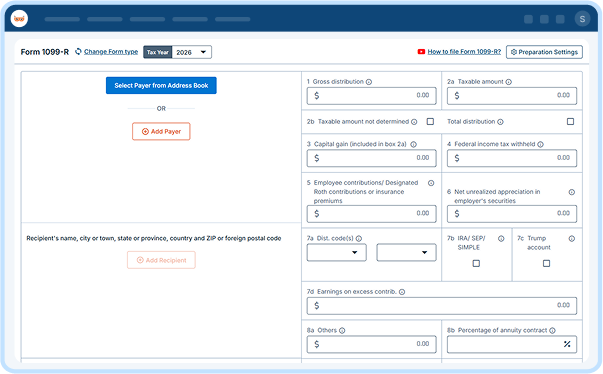
Form 1099-R is used to report designated distributions of $10 or more from pensions, annuities, retirement or profit-sharing plans, IRAs, insurance contracts, and other qualifying arrangements to the IRS and recipients. Certain death benefits, disability payments, military retirement annuities, and Trump Account distributions are also reported on Form 1099-R.
The payer must file Form 1099-R with the IRS and furnish the required copies to recipients who receive reportable distributions.
One Platform, Built for However You File Form 1099-R
Whether you're filing one distribution or ten thousand, TaxBandits fits the way you already work.

For Plan Administrators
Filing It Yourself
New to Form 1099-R? We guide you through
each step.
- Built-In W-9 Collection
- Real-Time TIN Matching
- AI Assistant
- Live Customer Support

For Tax Professionals
Filing for Clients
Handle every client's filing from one dashboard.
- Multi-Client Dashboard
- Role-Based Team Access
- Bulk Filing
- Branded Client Portal

For Retirement Plan Providers / Insurers
Filing at Scale
Import data from your own systems and forms
in bulk.
- Custom Data Ingestion
- Complex Compliance Support
- API Access
- Dedicated Support
Ready to streamline your 1099-R filing?
Everything You Need for Filing 1099-R Forms
Handle every stage of filing 1099-R online, from data collection to
recipient delivery, in one place.

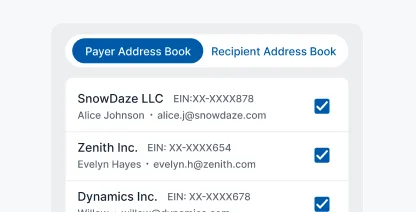
CSV Template
Use our preformatted CSV template to import your 1099-R data in bulk.
Download Template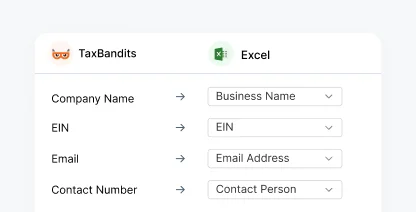
Own File Upload
Upload your existing CSV file directly to TaxBandits without reformatting.
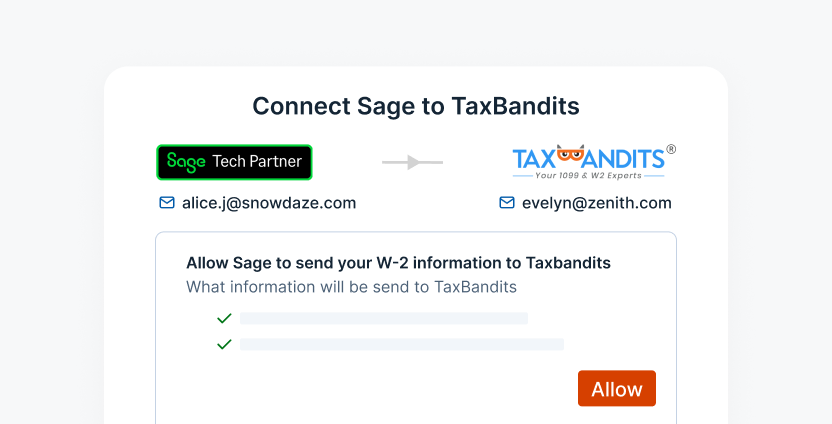
Sage Integration
Import your data directly from your Sage account and e-file without re-entry.

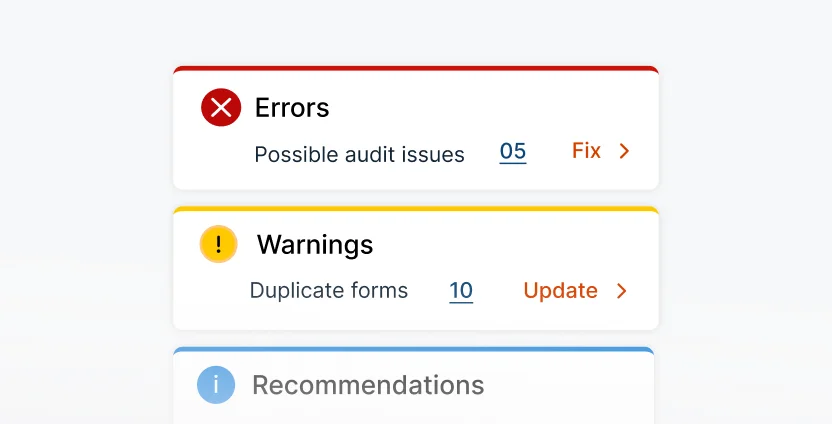
Smart Audit & Review
Catch missing information and potential filing errors before submission.
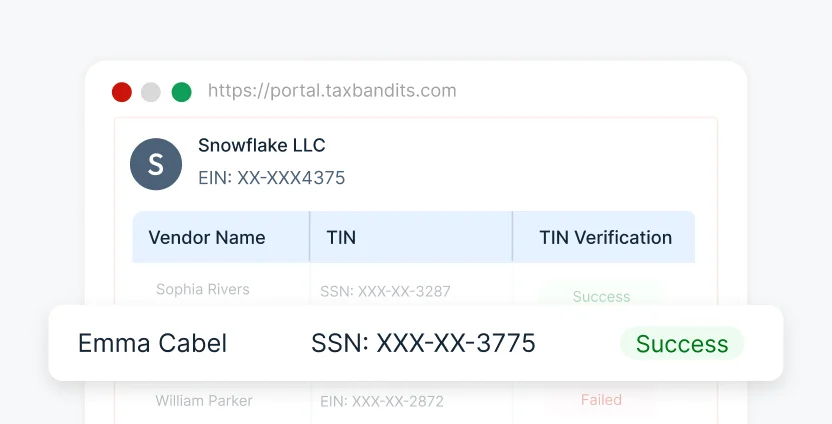
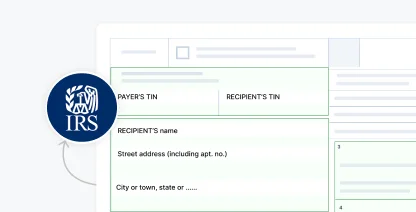
IRS Business Validation
Confirm business information against applicable IRS
requirements.

Address Verification
Confirm recipient addresses match USPS records before mailing.
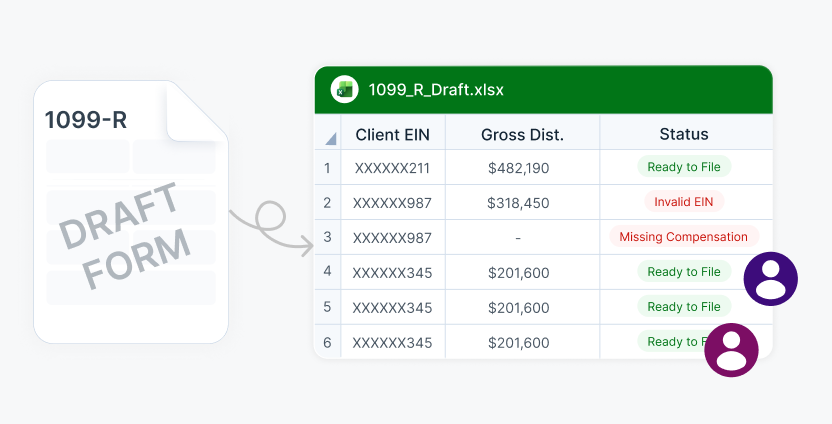
Share Forms for Review
Export draft 1099-Rs so your team member can review before submission.

Federal & State Filing
Submit your federal and state forms together through one submission.
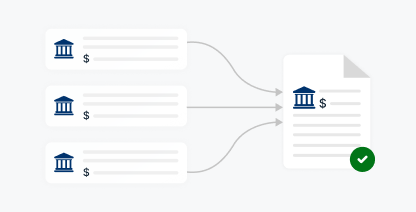
Form Aggregation
Combine multiple payments to the same recipient into a single 1099-R form.
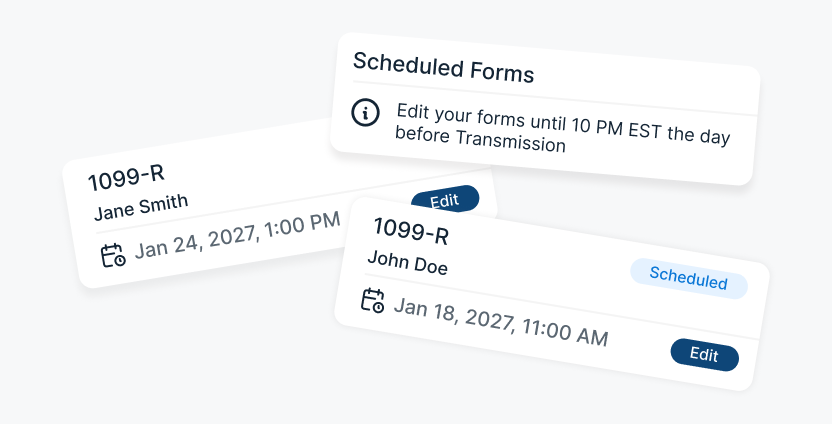
Schedule Filing
Prepare forms in advance and schedule transmission for your preferred date.

Free Retransmission
Fix rejected 1099-R returns and retransmit them at no additional cost.

10-Year Storage
Access every filed 1099-R securely for a full decade.

AI & Live Support
Get answers from BanditAI or connect with a live representative when needed.

Postal Mailing
Mail the recipient copy and track it from dispatch to doorstep.

Recipient Portal Access
Give recipients lifetime online access to their 1099-R.

Smart Mail
Automatically send a physical copy if the online form goes unviewed.
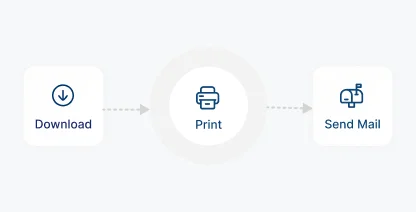
Print & Mail Yourself
Download the forms and handle printing and mailing on your own.

Foreign Mailing
Deliver recipient copies to account holders located outside the U.S.
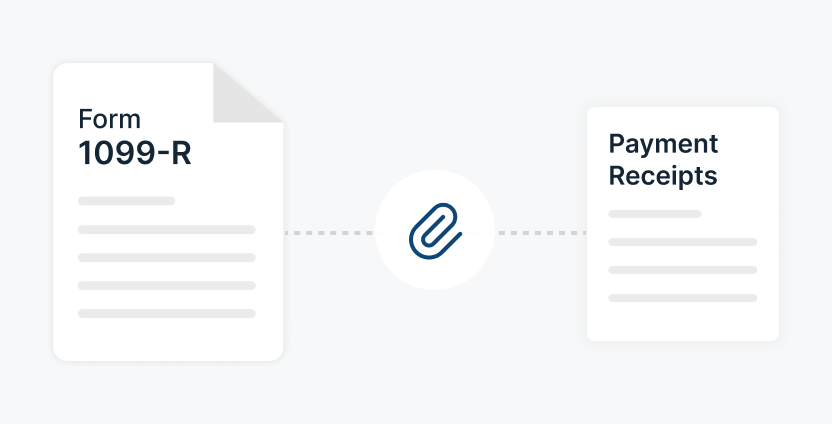
Attach Supporting Documents
Include supporting statements alongside the recipient copy.
Our Trusted Partners & Integrations for 1099-R E-Filing
Connect with the tools you already use
Automate End-to-End 1099-R Filing With
Our API
Connect our API to your existing software to automate Form 1099-R filing without changing your current workflow. Collect W-9s, validate TINs, and e-file 1099-R forms at year-end.

POST /v1/Form1099

Exclusive Tools Built for Tax Professionals and
High-Volume Form 1099-R Filing
When one client is a retirement plan administrator, and the next is a financial institution, keeping every recipient, distribution amount, and filing status organized shouldn't mean creating a new process for each one.
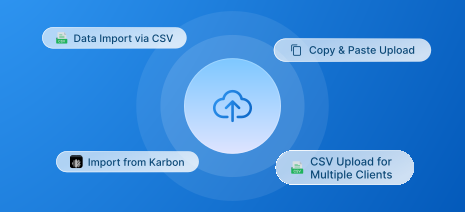
Bulk Filing
Import through bulk templates or API, regardless of how many agencies or forms you manage.
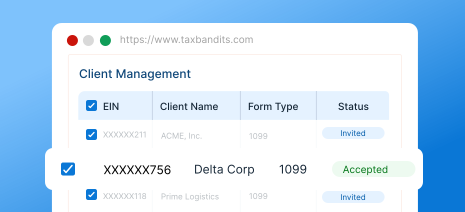
Client Management
Monitor each client's filings and status from one place instead of maintaining separate spreadsheets.
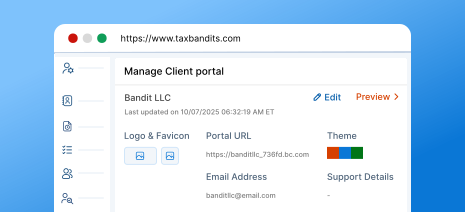
Branded Client Portal
Give each client a portal and communications that carry your
firm's brand.
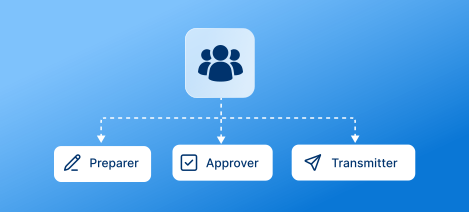
Team Management
Add team members and assign preparer, approver, and transmitter roles based on their responsibilities.

Flexible Payment Options
Access volume-based pricing as your filing count increases, with prepaid credits for flexible payment.

Custom Reports
Generate reports on team activity and client filings to track your filing workload.
For high-volume filing, call (704) 684-4758 for custom pricing.
What Information Is Required to E-File Form
1099-R Online?
Gather these details before you start, and e-file Form 1099-R with TaxBandits in minutes
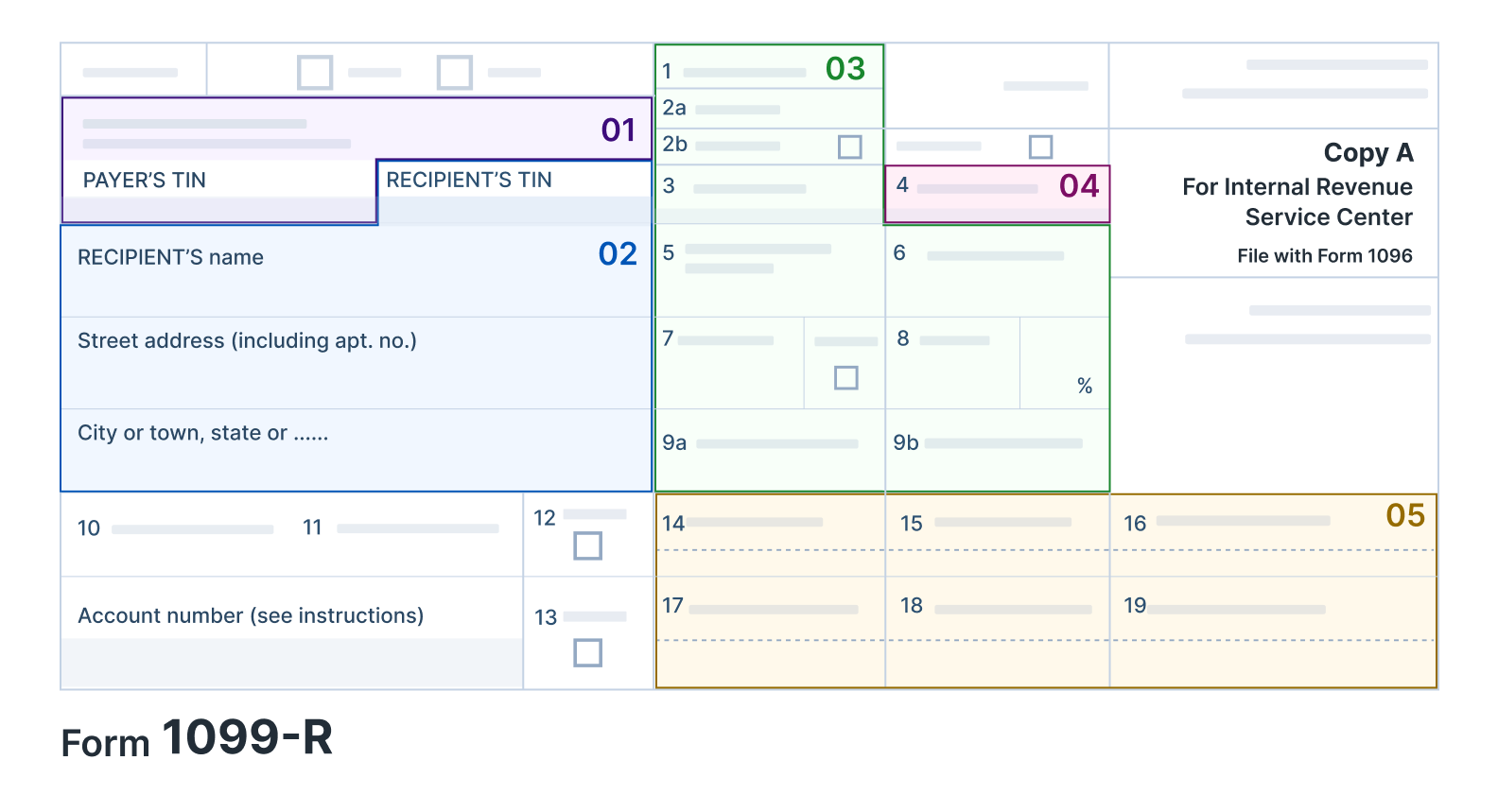
Payer Details
Name, TIN, and address.
Recipient Details
Name, TIN, and address.
Federal Income Tax Withheld (If any)
Distribution Details
Gross distribution, Taxable amount, Distribution code(s), and Federal income tax withheld
State Details
State tax withheld, State/payer's state number, and State distribution amount
Get started with TaxBandits to report your Form 1099-R online!
How to E-File Form 1099-R Online With TaxBandits
TaxBandits lets you import your Form 1099-R data, review the information, and complete filing through one streamlined workflow.
Import and Validate
Bring in your data via a template or your own file, then review checks before submission.

CSV Templates

Bulk Upload
File with Federal and State
Submit your federal and state returns together, with real-time acknowledgment from the IRS.

1099-R

Validate & Review

Submit to IRS & State

Track Filing Status
Distribute Recipient Copies
Send recipient copies by mail, through the online portal, or both.


Ready to e-file Form 1099-R with the IRS and states?
The Bandit Commitment
Ensuring Peace of Mind for Every
Form 1099-R You File
Filing a 1099-R isn't just about getting the boxes right; it's about following through and owning the outcome. The Bandit Commitment defines how TaxBandits approaches compliance.
-
Getting the right data in
Validate payer and recipient details before submitting your 1099-R forms.
-
Guided, end-to-end compliance
Federal filing, state filing, and shareholder distribution, all handled together.
-
No-cost corrections and retransmissions
Corrections and retransmissions are included at no
extra cost. -
Money-back guarantee
If a 1099-R cannot be accepted or was filed in duplicate, the filing fee is refunded.
Get the Industry's Best Pricing for Quick and Accurate 1099-R Filing
Pricing per form based on volume
| No. of Forms | 1-10 | 11-100 | 101-250 | 251-500 | 501-2000 |
| Federal Filing | $2.75 | $1.75 | $1.15 | $1.00 | $0.80 |
| State Filing (CF/SF) | FREE | ||||
| Direct State Filing | $0.95 / form, filed with the federal form | ||||
Add-on
Price
USPS Address Validation
FREE
TIN Matching
$0.35 / TIN
Online Access
$0.50/recipient
Postal Mailing
$1.85/form
Postal (International)
$4.99/form
Postal + Online (Combo) 10% OFF
$2.12/form
Calculate Your Federal Filing Cost
Estimated Total
$2.75
For Bulk Filers
Filing more than 2,000 forms?
Frequently Asked Questions to File 1099-R Online
Form 1099-R reports distributions of $10 or more from pensions, annuities, retirement or profit-sharing plans, IRAs, insurance contracts, and certain other reportable arrangements. Payers, trustees, and plan administrators file it for each recipient who received a reportable distribution during the year.
TaxBandits securely transmits your 1099-R forms to the IRS and applicable state agencies, and delivers recipient copies by postal mail or secure online access.
Payers, trustees, and plan administrators who make a designated distribution, or are treated as making one, must file Form 1099-R when a recipient's reportable distributions reach $10 or more for the year.
- IRAs, annuities, and insurance contracts may require Form 1099-R reporting for reportable distributions.
- Survivor income benefit plans and charitable gift annuities may also require Form 1099-R reporting.
- Certain disability or death benefit payments are reportable on Form 1099-R
- Certain employers must use Form 1099-R to report reportable death benefits paid outside a pension, profit-sharing, or retirement plan.
The IRS updated Form 1099-R for 2026 with new boxes, renumbered fields, and new reporting requirements:
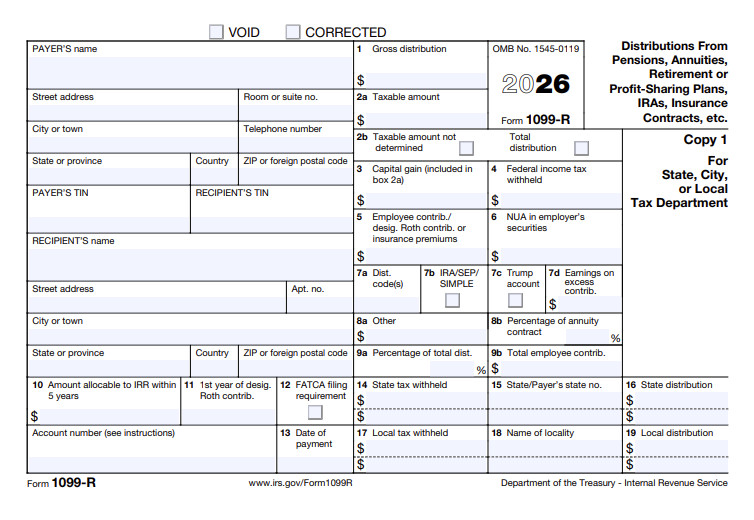
- Address fields: Payer and recipient addresses now use separate entry boxes.
- Boxes 7a–7d: Former Box 7 is now Box 7a, the IRA/SEP/SIMPLE checkbox is Box 7b, Box 7c identifies Trump Account distributions, and Box 7d reports earnings on excess Trump Account contributions.
- Boxes 8a–8b: Former Box 8 is now Box 8a (actuarial value) and Box 8b (percentage) .
- Box 8a relief: Reporting the year-end actuarial value for annuitized commercial annuity contracts is optional for 2026.
- Box 8a relief: Reporting the year-end actuarial value for annuitized commercial annuity contracts is optional for 2026.
- Qualified long-term care distributions: Certain distributions become reportable after 2026 and are taxable but exempt from the 10% early-distribution penalty.
- Code Y: New code in Box 7a identifies qualified charitable distributions (QCDs) and is optional for 2026.
Note: The $10 reporting threshold for Form 1099-R has not changed under the recent federal reporting-threshold legislation. Learn more about the 1099 changes for 2026.
A Trump Account is a new type of traditional IRA for eligible children, established under the One Big Beautiful Bill Act. The account helps families build long-term savings for a child. Contributions generally have annual limits, and the account can receive certain contributions on the child's behalf.
Trump Accounts have specific rules for contributions, investment growth, and distributions. During the beneficiary's growth period, generally before age 18, withdrawals are restricted except in certain circumstances. Once the growth period ends, the account generally follows the rules that apply to traditional IRAs.
During a Trump Account beneficiary's growth period, a distribution is generally reportable on Form 1099-R only in certain situations, including:
- Excess contributions and related earnings withdrawn from the account.
- Distributions of earnings from the account under applicable rules.
- Other distributions that are reportable under the rules governing Trump Accounts.
For 2026, Box 7c identifies a distribution from a Trump Account, while Box 7d reports earnings on excess contributions.
Recipient copies are due by February 1, 2027 each year. The IRS filing deadline is March 1, 2027 for paper returns and March 31, 2027 for electronic returns. If any of these dates fall on a weekend or holiday, the deadline moves to the next business day.
Distributions under $10 generally don't require a 1099-R. Certain transfers, such as direct trustee-to-trustee transfers between IRAs or retirement plans that aren't treated as distributions, also fall outside the filing requirement.
The IRS may charge $60 to $340 per return for late or incorrect Form 1099-R filings. Intentional disregard can result in a penalty of $680, with no annual maximum.
The other tiers are capped annually — for returns due in 2027, $244,500 to $1,397,000 for small businesses (average annual gross receipts of $5 million or less) and $698,500 to $4,191,500 for larger filers. Amounts are indexed for inflation each year.
| How late | Per form (returns due 2027) |
|---|---|
| Filed within 30 days | $60 |
| More than 30 days late, by August 1 | $130 |
| After August 1, or not filed | $340 |
| Intentional disregard | $680 |
To request a 30-day extension, submit Form 8809 (Application for Extension of Time to File Information Returns) to the IRS on or before the original due date. This extension isn't automatic and is granted only in special circumstances, which must be explained on
the form.

If you need additional time to furnish shareholder statements for Form 1099-R, you must
file Form 15397 on or before the original due date.
Ready to File 1099-R?
Join over a million businesses who trust TaxBandits for accurate,
on-time 1099-R filing.
- Authorized IRS e-file provider
- Bank-grade security
- Free retransmission