 BanditAI
Florida 1099 Filing Requirements
Meet your Florida 1099 filing requirements efficiently with TaxBandits!
Simplify Your Florida 1099 Filing with TaxBandits
- Complete Florida tax filing compliance
- Free retransmission of rejected returns
- No cost corrections for Florida 1099 forms
E-file at just $0.95/form
Florida Filing Requirements for Form 1099-K
| Condition | State Income Threshold | Filing Method | Additional Forms | Due Date |
|---|---|---|---|---|
| If Florida Tax Was Withheld | More than $0 | Direct State Filing | Not Required | April 30, 2026 |
| If NO Florida Tax Was Withheld | Equal to or more than the federal threshold | Direct State Filing | Not Required | April 30, 2026 |
| Less than federal threshold | No Filing Required | |||
Ready to file the Form 1099-K with the Florida State?
Information Required to File Form 1099-K with Florida
Discover the key information needed to file Form 1099-K with the State of Florida.
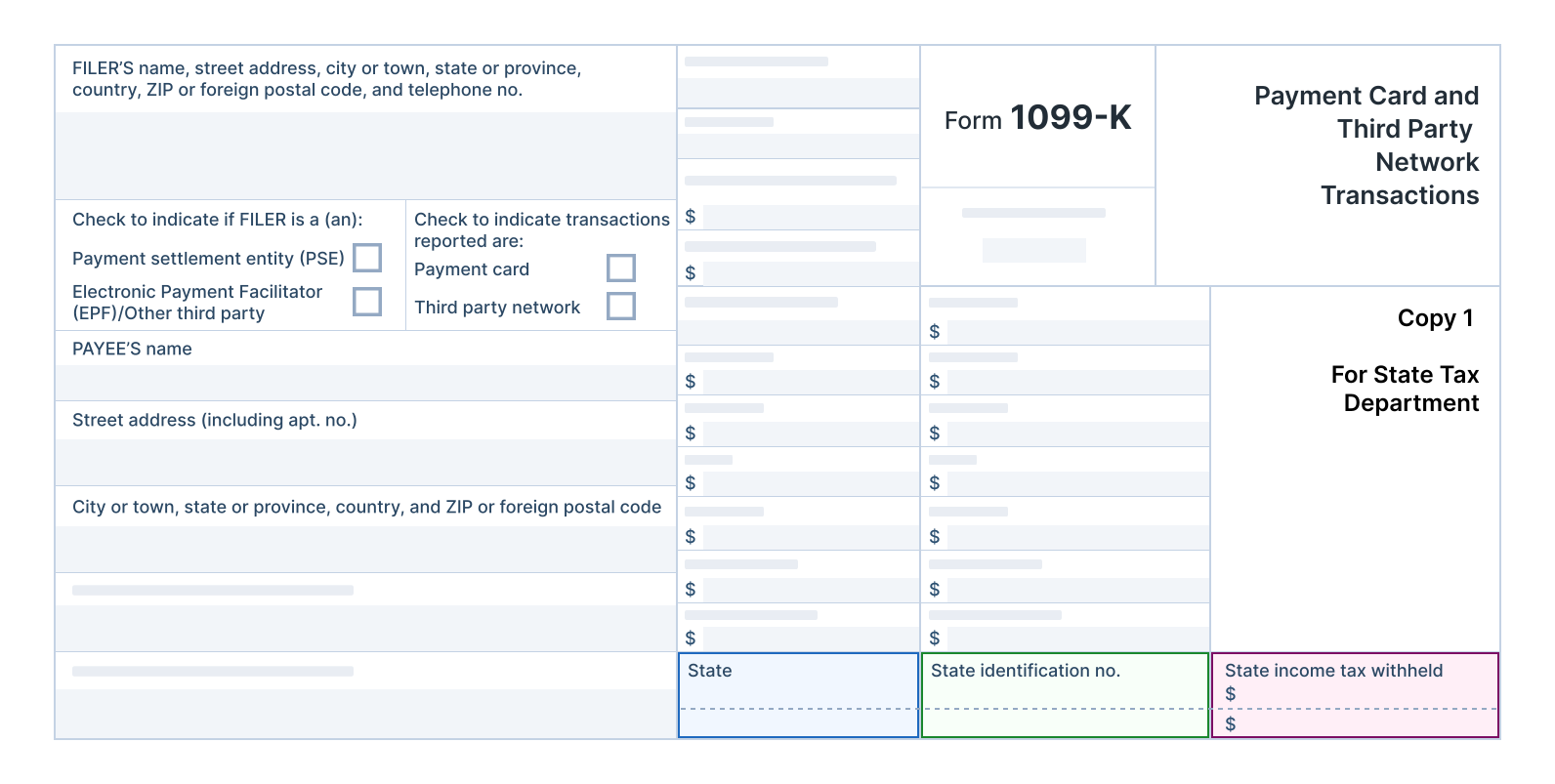
1. State
Enter Florida as the state name.
2. State identification number
The payer's state identification number refers to the Florida State Account Number.
Florida State ID Format:
- 9 digits (For example: 999999999)

The state accepts your federal EIN as state ID.
3. State income tax withheld
The total amount of state income taxes withheld from the recipient's income.
TaxBandits – Simplifying Florida State 1099-K Compliance
TaxBandits supports the filing of 1099-K forms directly with the Florida Department of Revenue, ensuring compliance with state regulations.

Complete Compliance
Stay compliant with federal and Florida state filing requirements, corrections, and deadlines — all efficiently managed in one place with TaxBandits.

State Filing Guidance
TaxBandits provides a comprehensive, step-by-step guide to simplify the 1099 filing process, ensuring a seamless experience from start to finish.

State Form PDFs
Conveniently access and download Florida 1099 form PDFs for recordkeeping, ensuring you always have the forms you need.

Free Resubmissions
If the Florida Department of Revenue rejects your 1099 forms, you can correct the errors and resubmit them free of charge.
Start filing your Florida 1099-K returns with TaxBandits by creating an account!
How to File 1099 with TaxBandits?
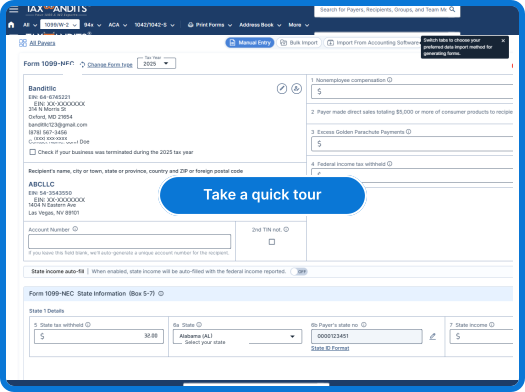
Create your free account and follow these simple steps to effortlessly e-file your 1099 with the federal and the state of Florida!
-
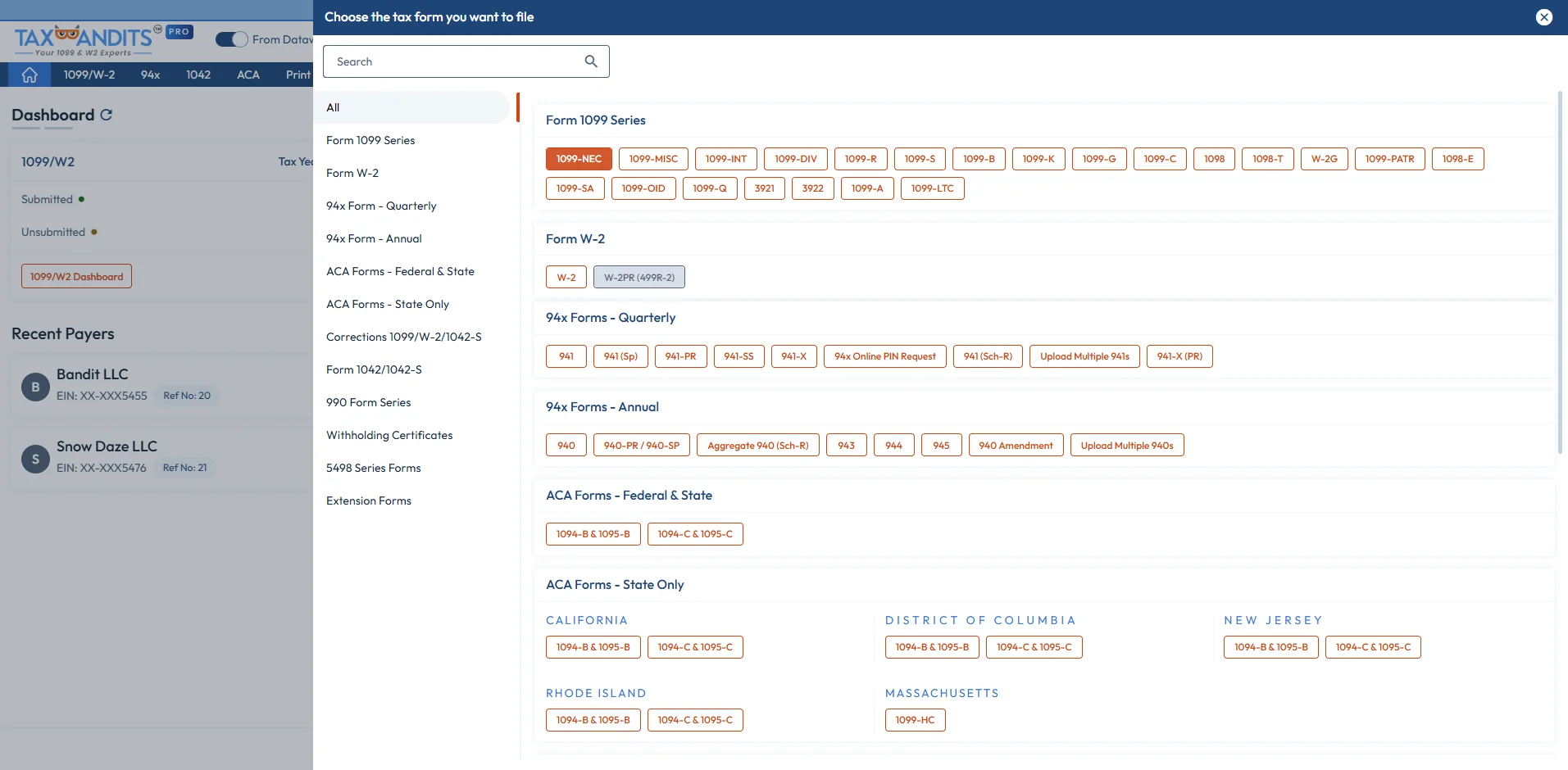
Step 1: Choose Form 1099
Select the type of 1099 form you want to file.
-
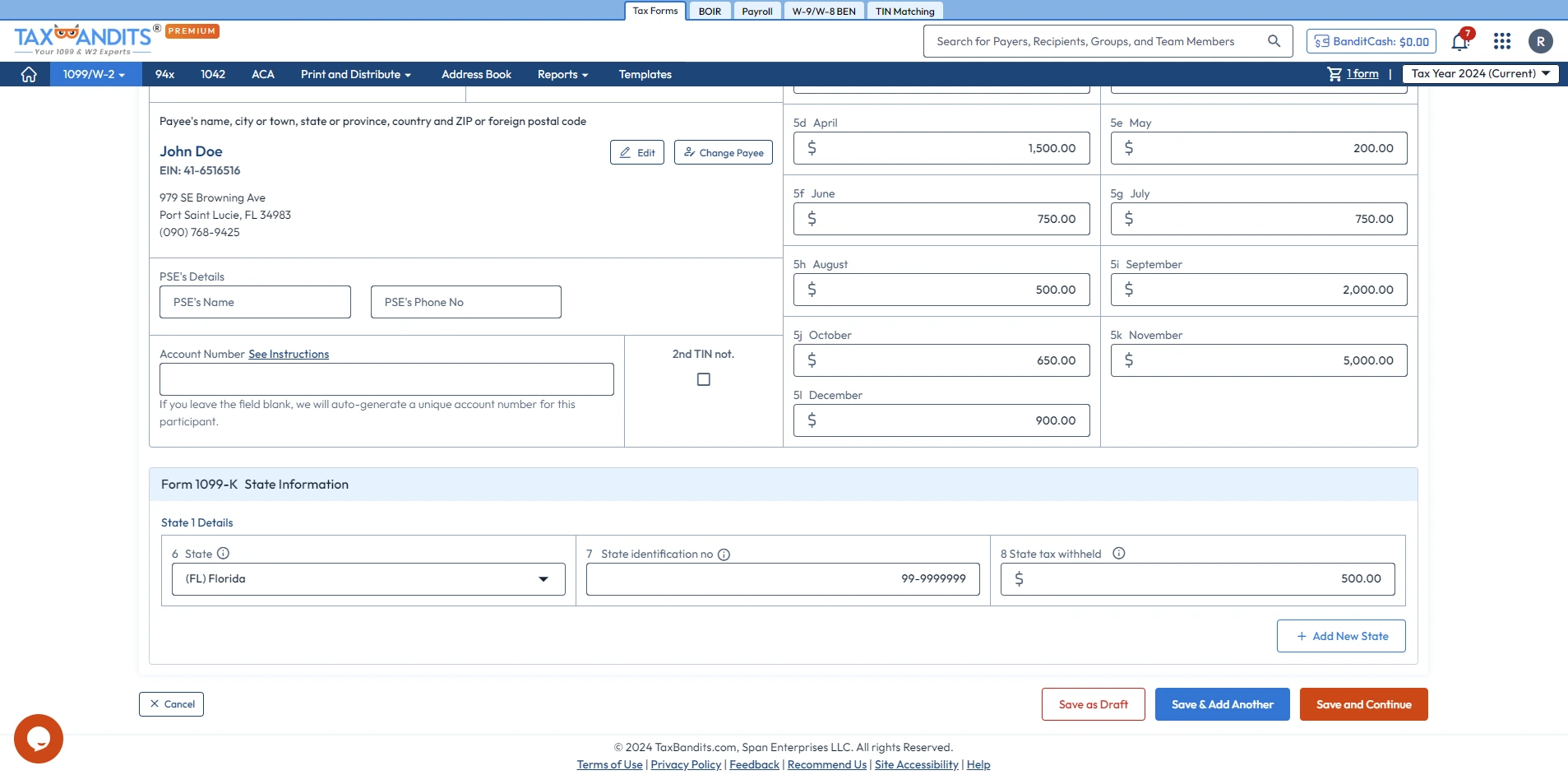
Step 2: Enter Form 1099 details
Complete the form using manual entry or other bulk import options.
-
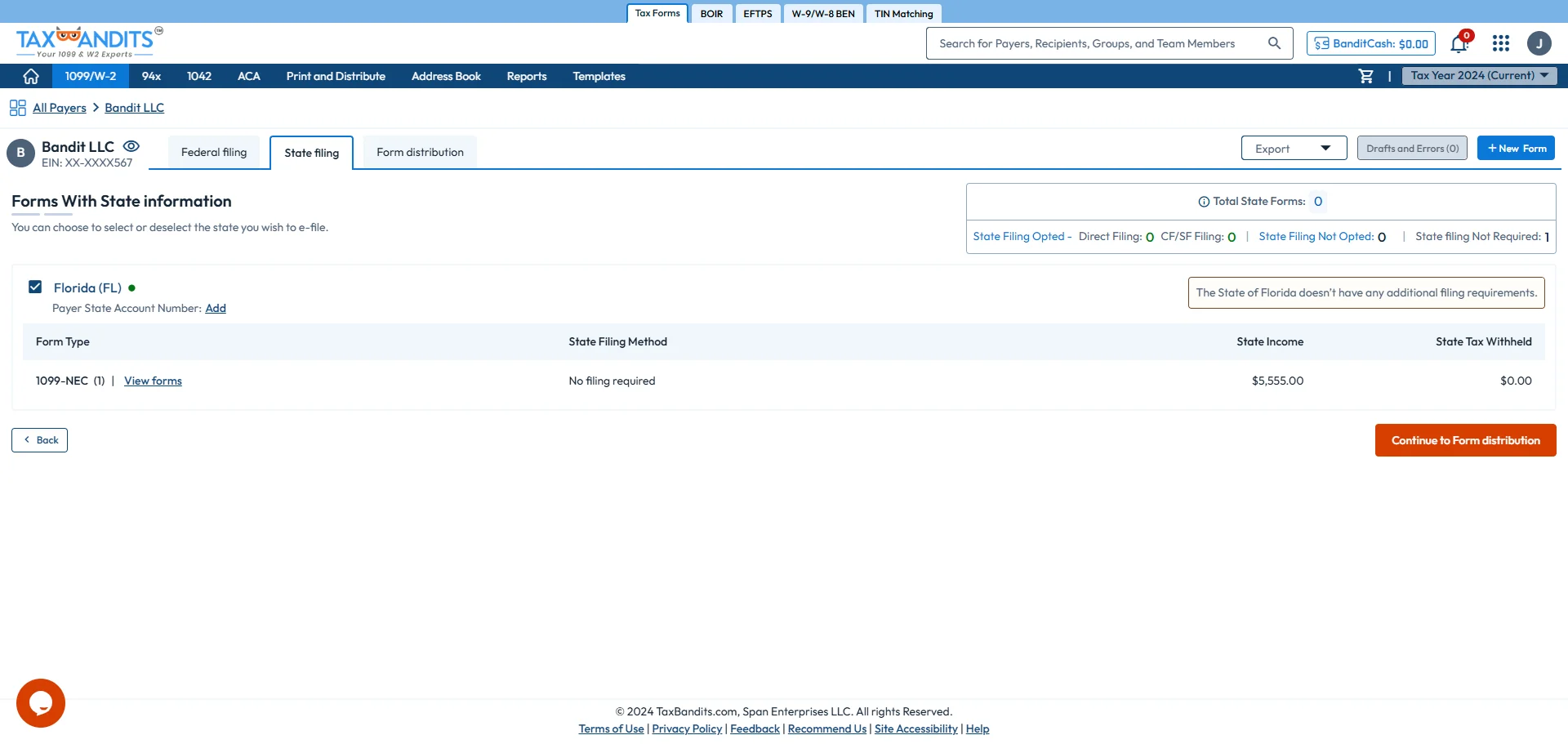
Step 3: Enter State Filing Information
Provide the required Florida state details for Form 1099.
-
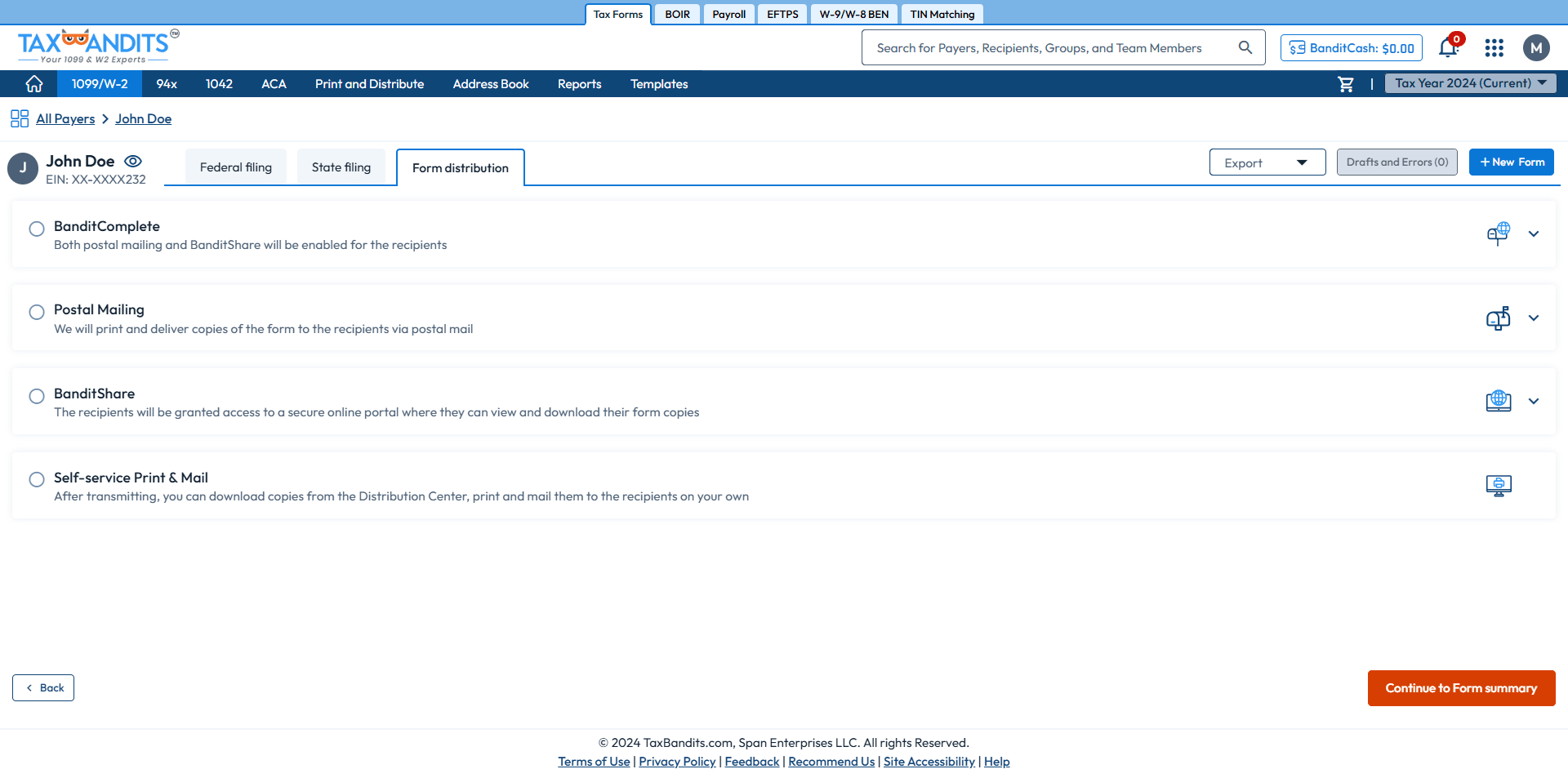
Step 4: Choose Distribution Options
Opt for our distribution services – postal mail, online access, postal mailing + online access, or the self-print & mail option.
-
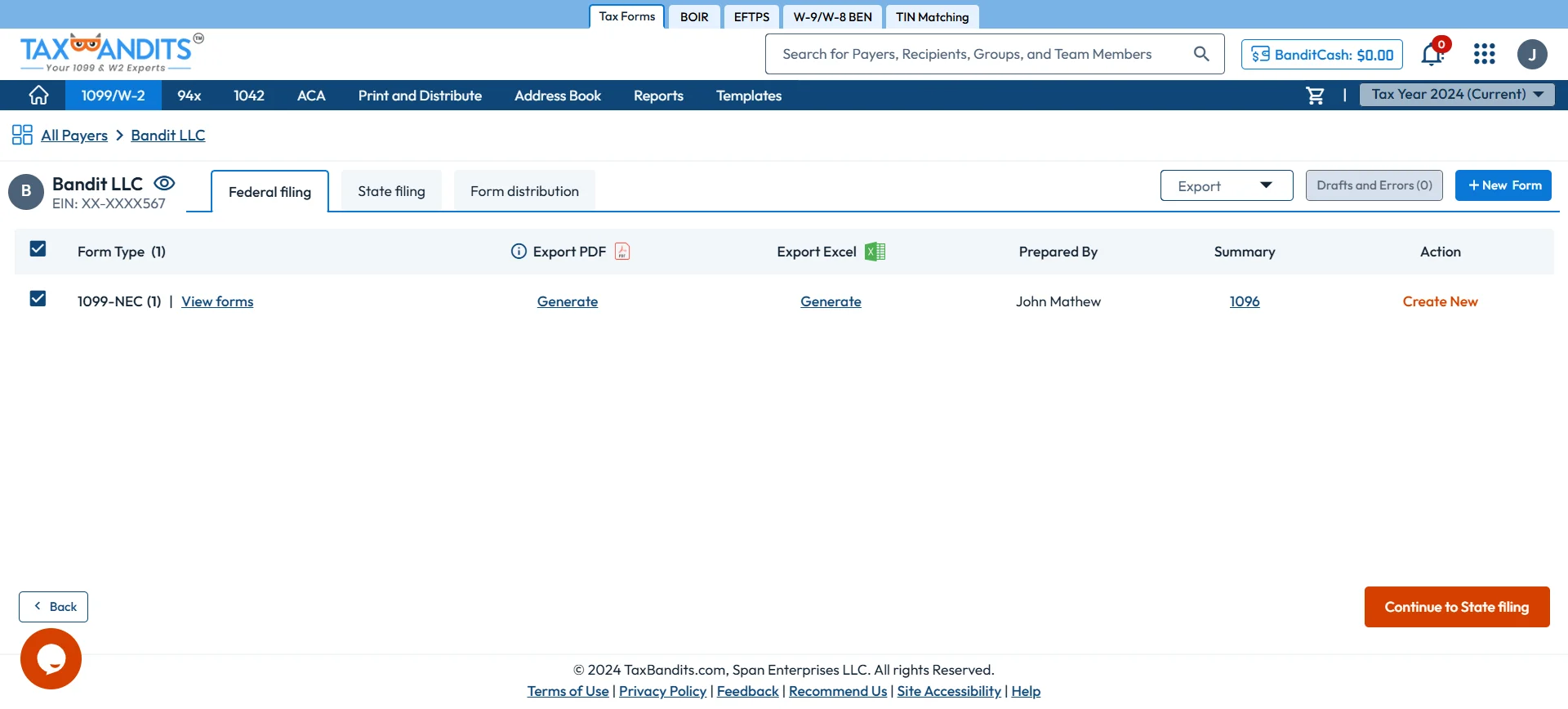
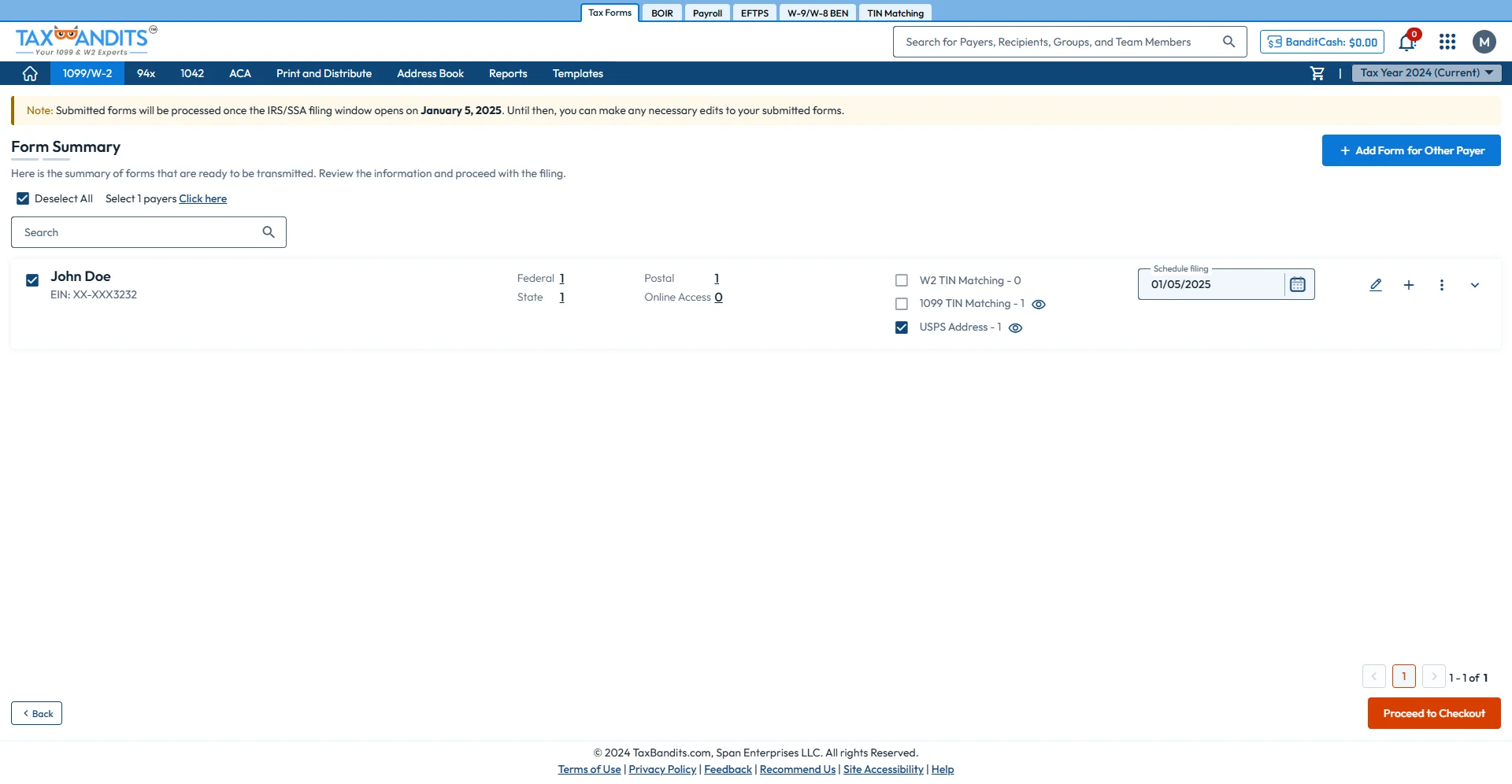
Step 5: Review and Transmit
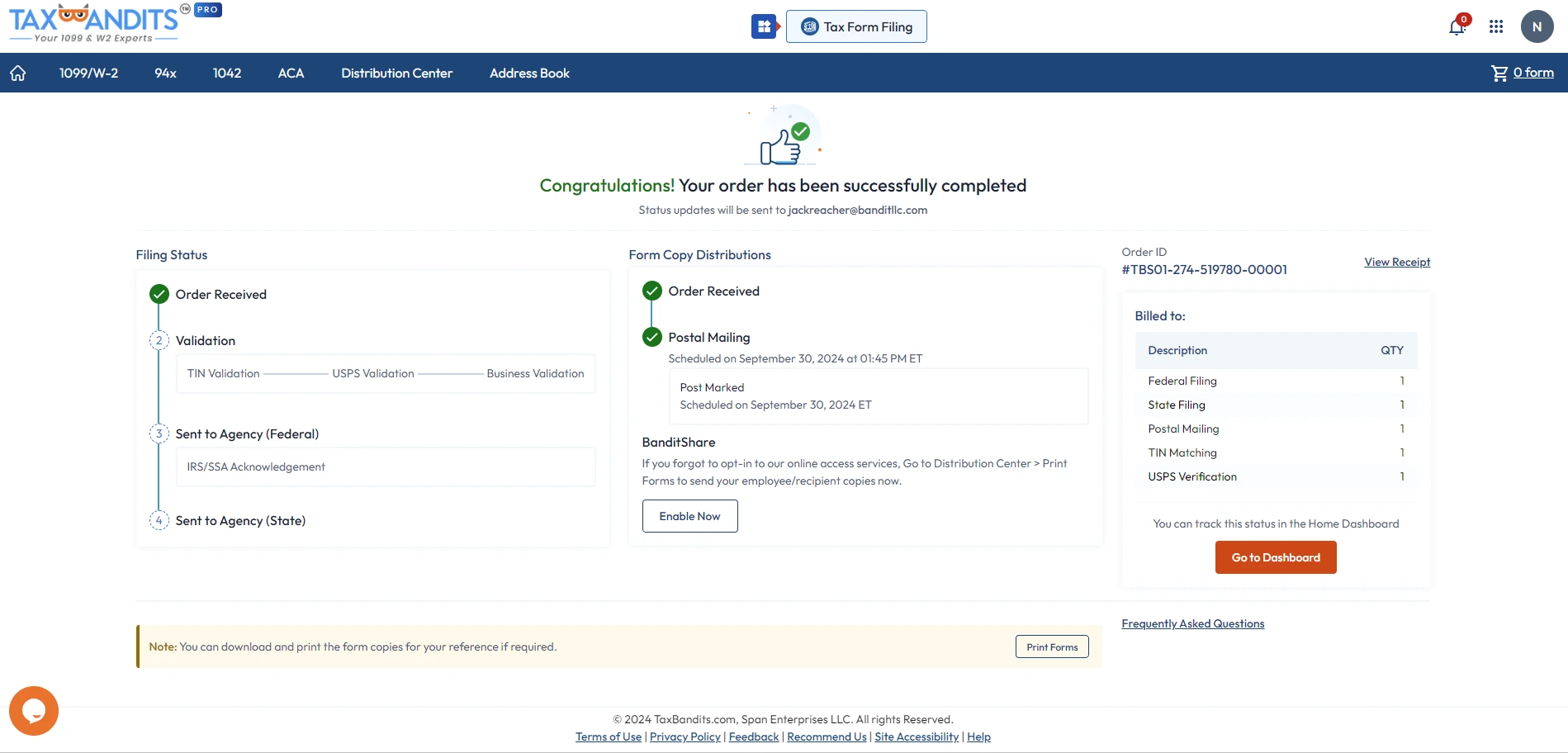
Review your form and transmit it to the IRS and state agencies.
Are you ready to begin e-filing your 1099 Form with Florida State? File in minutes with TaxBandits!
Frequently Asked Questions
Does Florida require 1099 filing?
Yes, the Florida Department of Revenue requires the filing of Form 1099-K if it is filed with the federal government, irrespective of state tax withholding.
Does Florida have a specific payment threshold for filing Form 1099-K?
There is no specific threshold for filing Form 1099-K in the state of Florida. Reporting requirements in the state align with the IRS threshold guidelines, that is:
- Form 1099-K is filed by payment card companies, payment apps, and online marketplaces for individuals or entities that receive more than $2,500 for goods or services during the corresponding tax year.
What types of 1099 forms does Florida require?
The State of Florida only requires the filing of Form 1099-K. The state does not mandate the filing of any other types of 1099 forms.
Does Florida require additional forms when filing Form 1099-K?
No, the State of Florida does not require any additional Forms to be filed along with the Form 1099-K.
What are the Florida 1099-NEC filing requirements?
The Florida Department of Revenue does not require filing Form 1099-NEC or any other 1099 forms (except 1099-K) with the state.
When is Florida 1099-K due?
The deadline to file Form 1099-K with Florida is 30 days after the federal 1099-K due date, which falls on April 30. Florida only accepts e-filing.
If the due date falls on a weekend or federal holiday, the next business day is the deadline.
Can I electronically file Form 1099-K with Florida?
Yes, you can electronically file your Form 1099-K with the state of Florida. In fact, it is the only filing method accepted by the state of Florida.
What are the penalties for not filing Form 1099-K with Florida?
A penalty of $1,000 per month, up to a maximum of $10,000 per year, may be imposed for failure to file the Form 1099-K within the due date.
For more information, please visit the State website:
https://floridarevenue.com/taxes/compliance/Pages/reporting1099k.aspx
Success Starts with TaxBandits
The Smart Business Owners Choice